Adding Zigbee devices in Edge
Add a ZEM electricity monitor, door contact and temperature sensor to Edge. See how industrial meters and everyday sensors share one wireless network.
Read the transcript
Three new devices arrived at the plant this week: an off-the-shelf contact for the loading dock door, a low-cost temperature sensor for the packing line, and an EpiSensor Zem, to meter the transfer pump. None of them needs a network cable. They all talk Zigbee, a low-power wireless mesh, to the site's Gateway. EpiSensor's industrial-grade devices and off-the-shelf sensors share the same network, and any mains-powered device, like the Zem, relays messages for the others.
In Edge, you open the network for them. From Devices, add a Zigbee device, and allow joining for up to four minutes. While the timer runs, the Gateway is listening. An EpiSensor mains-powered device, like the Zem, finds it on its own; off-the-shelf sensors just need a press of their pairing button. One by one they arrive, EpiSensor and off-the-shelf alike, online in the device list, with their sensors ready to read.
Open the Zem and it's all there: energy, current and voltage on every phase, straight from the meter. When the timer runs out, the Gateway stops accepting new devices, so nothing joins that you didn't invite. Assign each one to a room, an asset or a utility in the building, and it's ready for charts, dashboards and automation, like everything else on site. Three devices took a few minutes, and the next hundred can join the same way.
Use EpiSensor's industrial-grade range where accuracy is important, and inexpensive off-the-shelf sensors, with no electrician, everywhere else. Every one of them gets the same history, alerts, automation and dashboards. That's what makes energy projects economic, where they never were before, and puts energy management within reach of every site, not just the biggest. Adding Zigbee devices, in Edge: just a click away.
Related videos
-
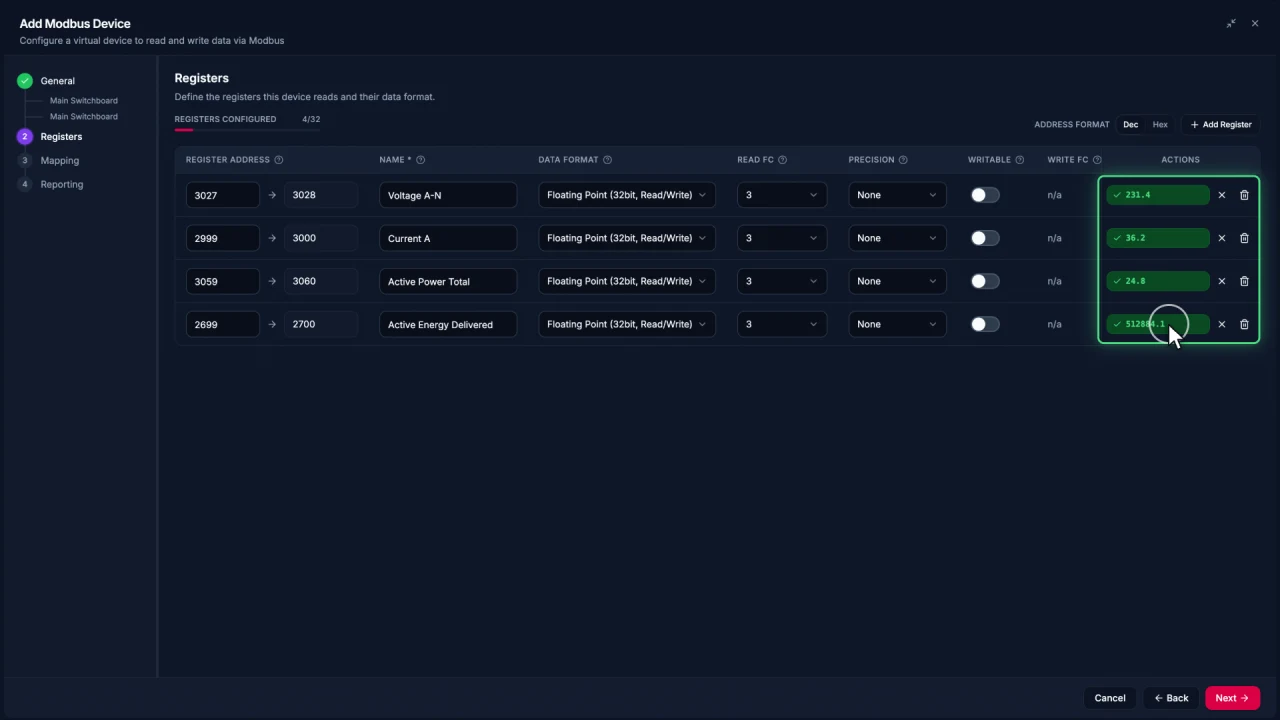
Connecting Modbus meters in Edge
Add a Modbus TCP meter in EpiSensor Edge, configure and test registers, then reuse the verified device template for another meter.
Watch video · 2:30 -
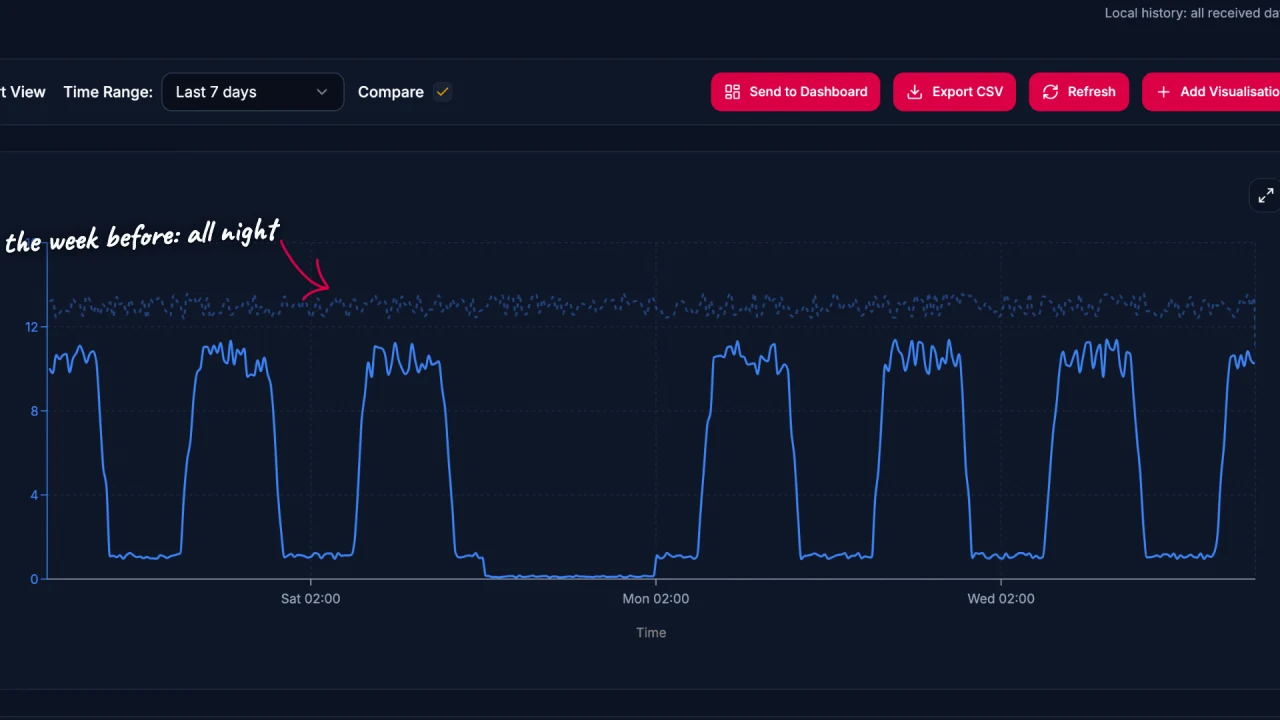
Energy data analysis in Edge
Explore energy data in EpiSensor Edge with charts, period comparisons, zoom and heatmaps. The example traces a compressor running outside expected hours.
Watch video · 2:17 -
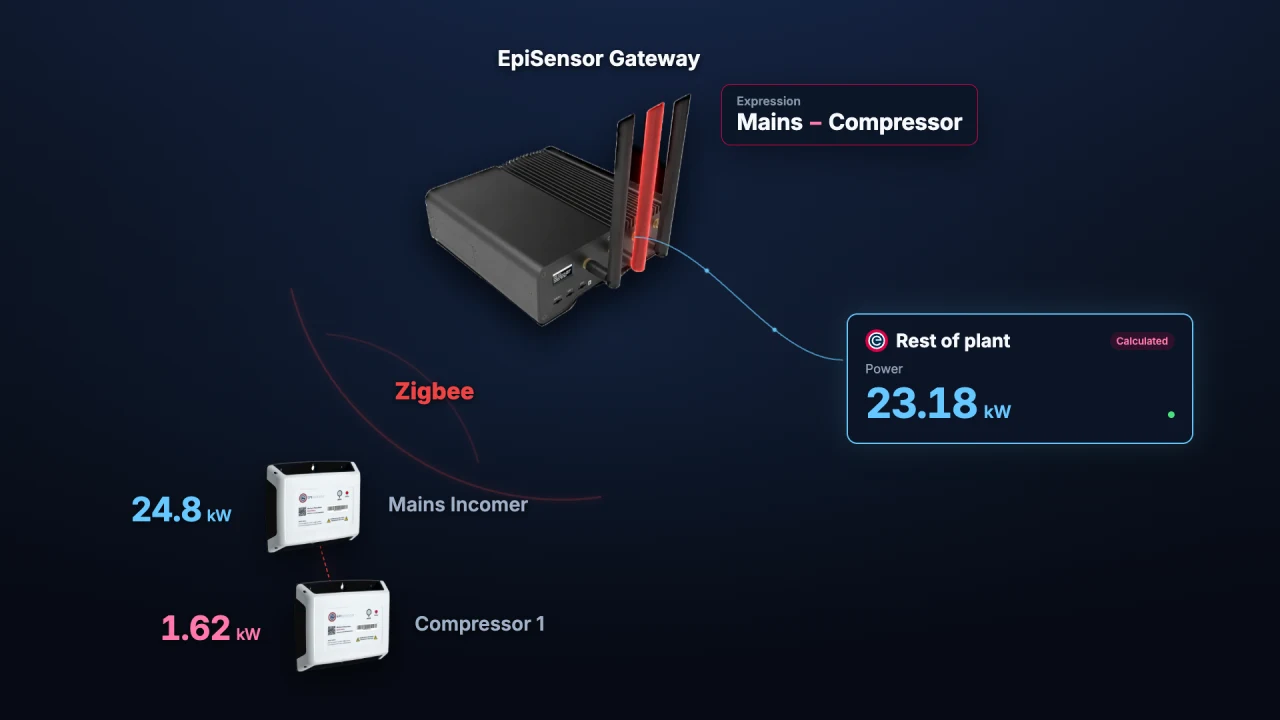
Calculated Devices in Edge
Create calculated measurements from sensors already in Edge. Run operations on the Gateway and chart, monitor or automate the resulting sensor.
Watch video · 1:56 -
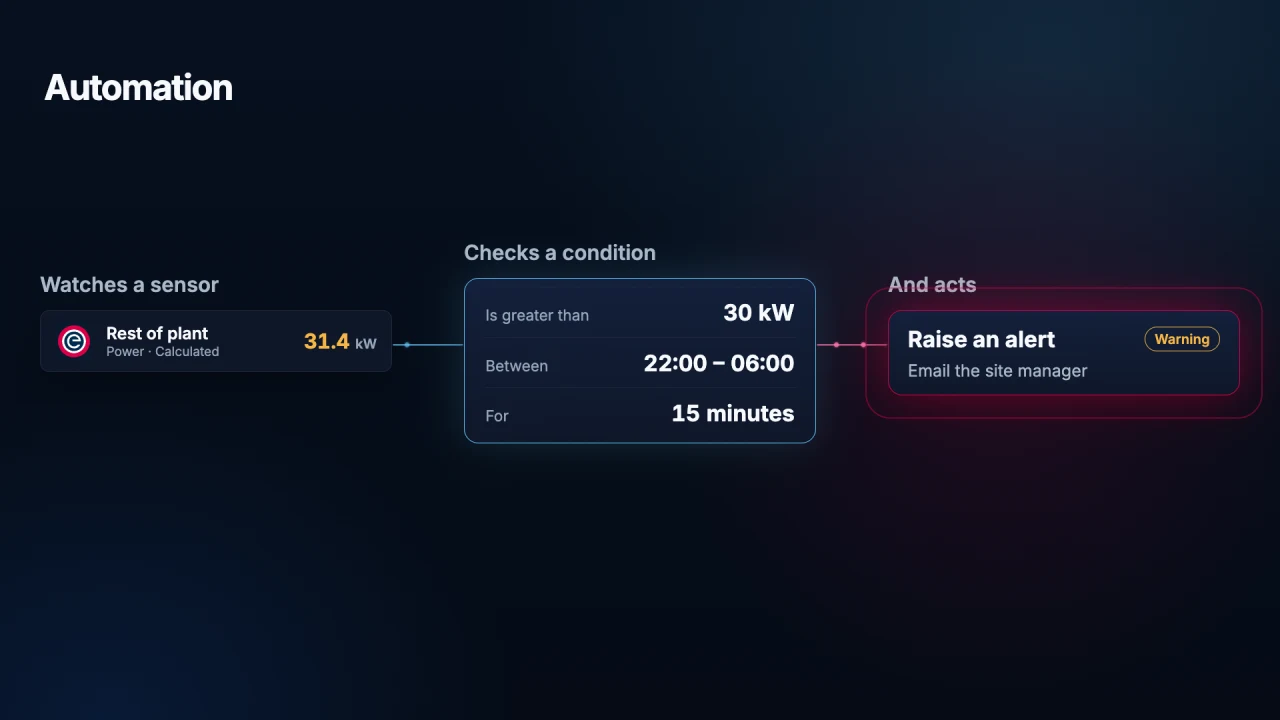
Automation in Edge
Use local Edge automation to monitor a sensor, check a condition and act on it. See how a Gateway alerts staff to unexpected overnight energy use.
Watch video · 1:45