Automation in Edge
Use local Edge automation to monitor a sensor, check a condition and act on it. See how a Gateway alerts staff to unexpected overnight energy use.
Read the transcript
At two in the morning, a food plant should be quiet. The trick is noticing when it isn't, without anyone sitting up watching a screen. In Edge, that's the job of an automation. It watches a sensor, checks it against a condition, and when the condition holds, it acts. It runs on the Gateway, right beside the meters, so it keeps working even when the site's internet doesn't.
Here's the rule for those quiet nights. It's a data rule, and it watches Rest of plant: everything the mains draws that the compressor doesn't. If it's above thirty kilowatts, between ten at night and six in the morning, for fifteen minutes straight, raise a warning, and email the site manager. Give it a name the next person will understand, and it's live. When it fires, the alert lands in Edge with the value, the rule and the device behind it, ready for someone to acknowledge.
Rules can just as easily react to a device dropping offline, to data that arrives only intermittently, while the device stays online, or to the clock, and do more than warn: send a text, post to Slack or Google Chat, or switch something on site. That's waste caught the night it starts, not weeks later on the bill. Nobody has to sit and watch a screen: the Gateway does the watching, around the clock, and tells the right person when it matters.
Automation, in Edge: rules that run on site, around the clock.
Related videos
-
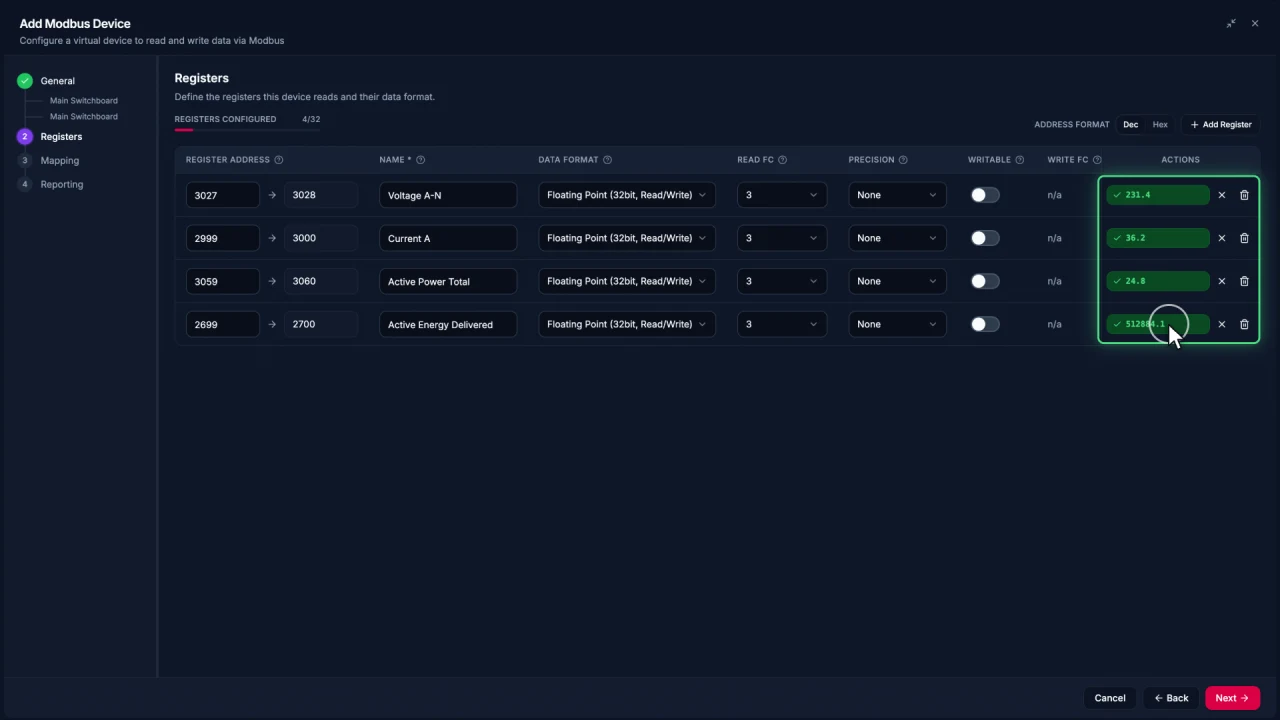
Connecting Modbus meters in Edge
Add a Modbus TCP meter in EpiSensor Edge, configure and test registers, then reuse the verified device template for another meter.
Watch video · 2:30 -
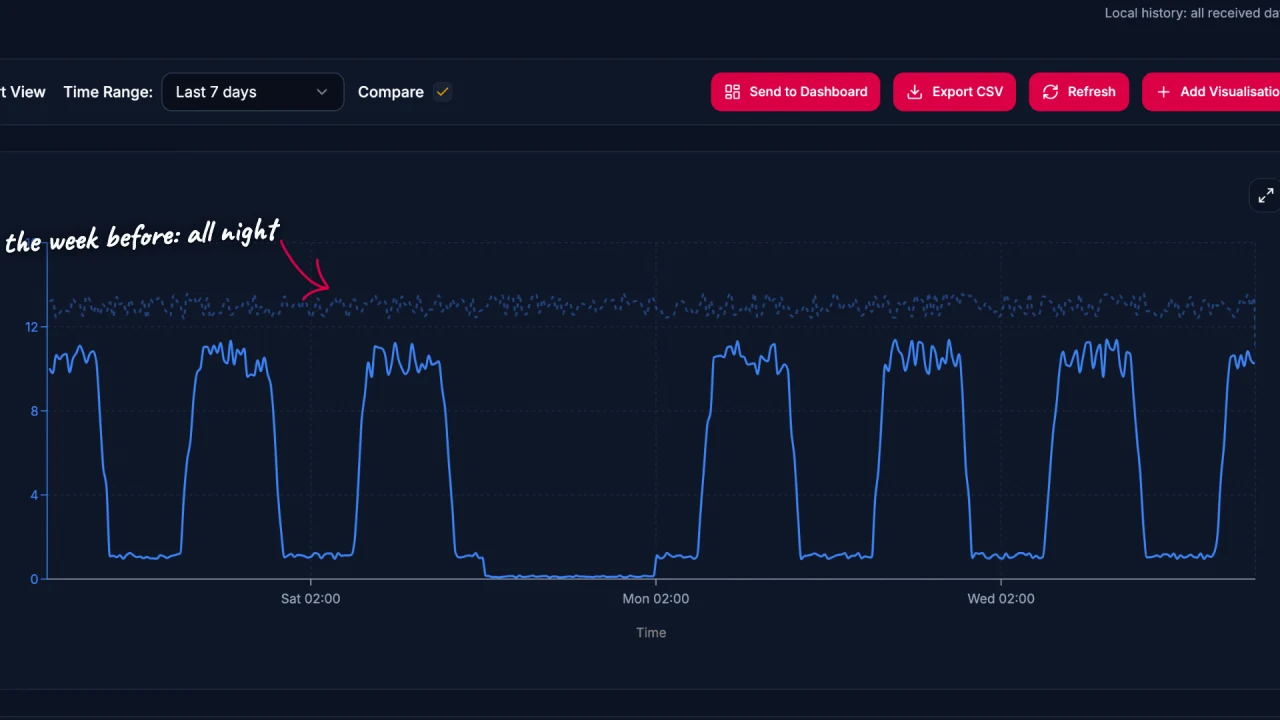
Energy data analysis in Edge
Explore energy data in EpiSensor Edge with charts, period comparisons, zoom and heatmaps. The example traces a compressor running outside expected hours.
Watch video · 2:17 -
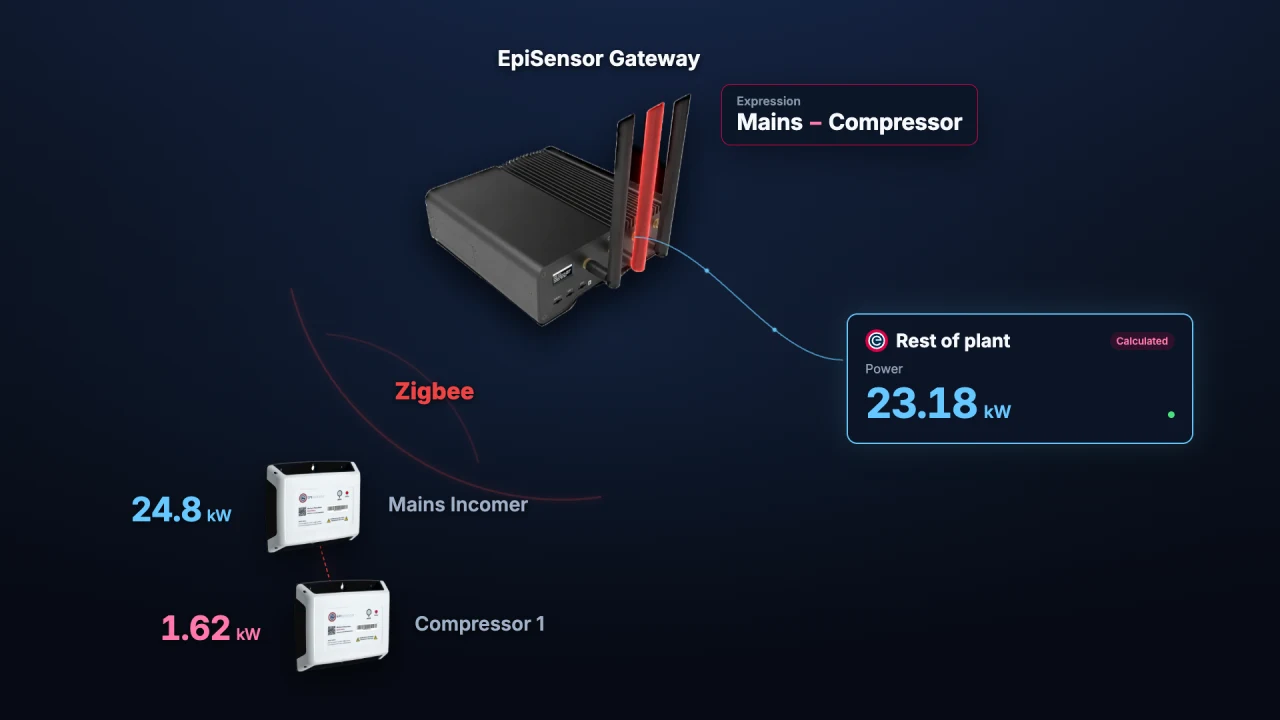
Calculated Devices in Edge
Create calculated measurements from sensors already in Edge. Run operations on the Gateway and chart, monitor or automate the resulting sensor.
Watch video · 1:56 -
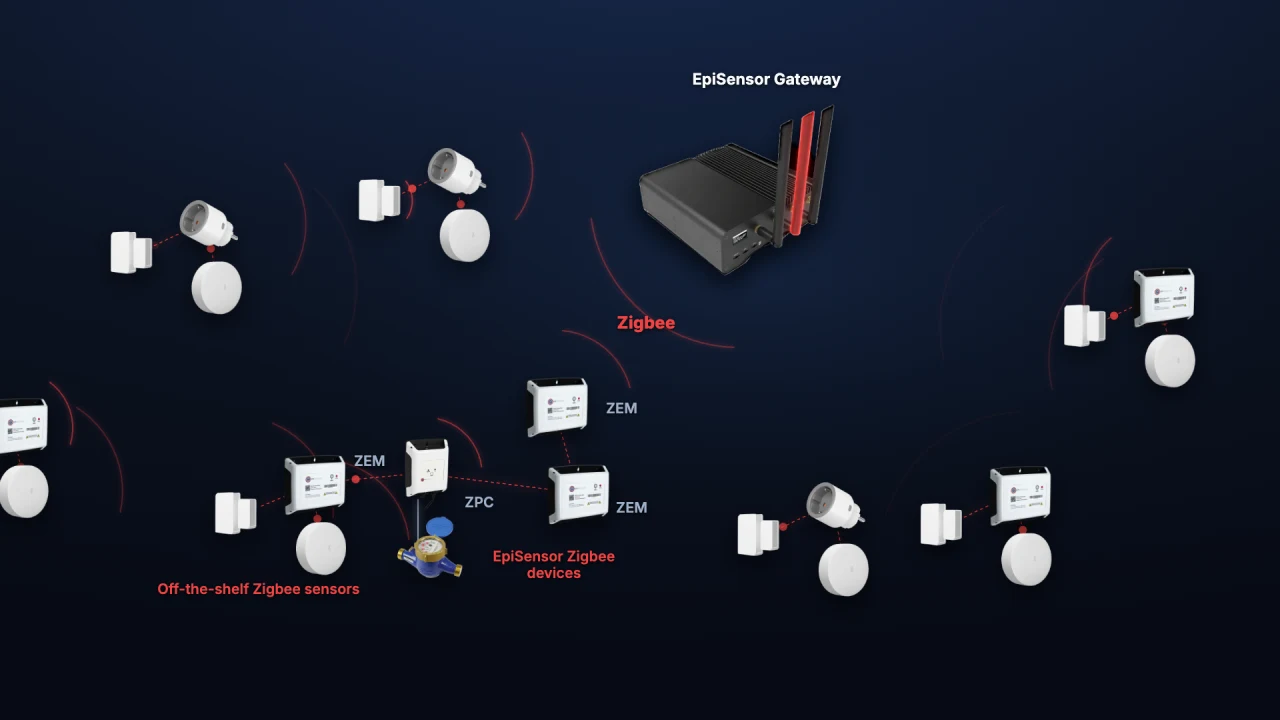
Adding Zigbee devices in Edge
Add a ZEM electricity monitor, door contact and temperature sensor to Edge. See how industrial meters and everyday sensors share one wireless network.
Watch video · 1:59