Calculated Devices in Edge
Create calculated measurements from sensors already in Edge. Run operations on the Gateway and chart, monitor or automate the resulting sensor.
Read the transcript
Every meter on your site answers one question: what is this circuit using, right now? But nobody ever asks you about just one circuit. They want to know what the rest of the plant is drawing, whether the production floor is holding its temperature, and what it's all costing. And in Edge, every one of those answers is a Calculated device. It's a device with no hardware at all: it takes readings from the sensors you already have, runs them through an operation right on the Gateway, and publishes the result as a brand new sensor of its own.
This food plant meters its mains and its compressor, but nothing in between, so let's add a Calculated device and call it Rest of plant. It gets one sensor, worked out as an Expression: the mains, minus the compressor. And before you even save, the live preview runs it on the Gateway's own engine: just over twenty-three kilowatts. Create it, and there it is, right beside the meters it's built from, updating every time they report.
Expression is just one of ten operations. You can average a whole group of sensors that share a tag, turn energy into cost with your own tariff, or simply count your devices and alerts by their state. And because it's a real device, the rest of Edge can use it too. You can chart it, alert on it overnight, export it to your platform, or build your next calculation right on top of it.
That's a meter you never had to buy, fit or wire, and it answers in the terms the business actually asks in: where the energy really goes, whether the production floor is holding temperature, and what it all costs. And it all runs on the Gateway, right there on site, so the numbers keep coming even when the internet connection drops out. Calculated devices, in Edge: more insights from the sensors you already have.
Related videos
-
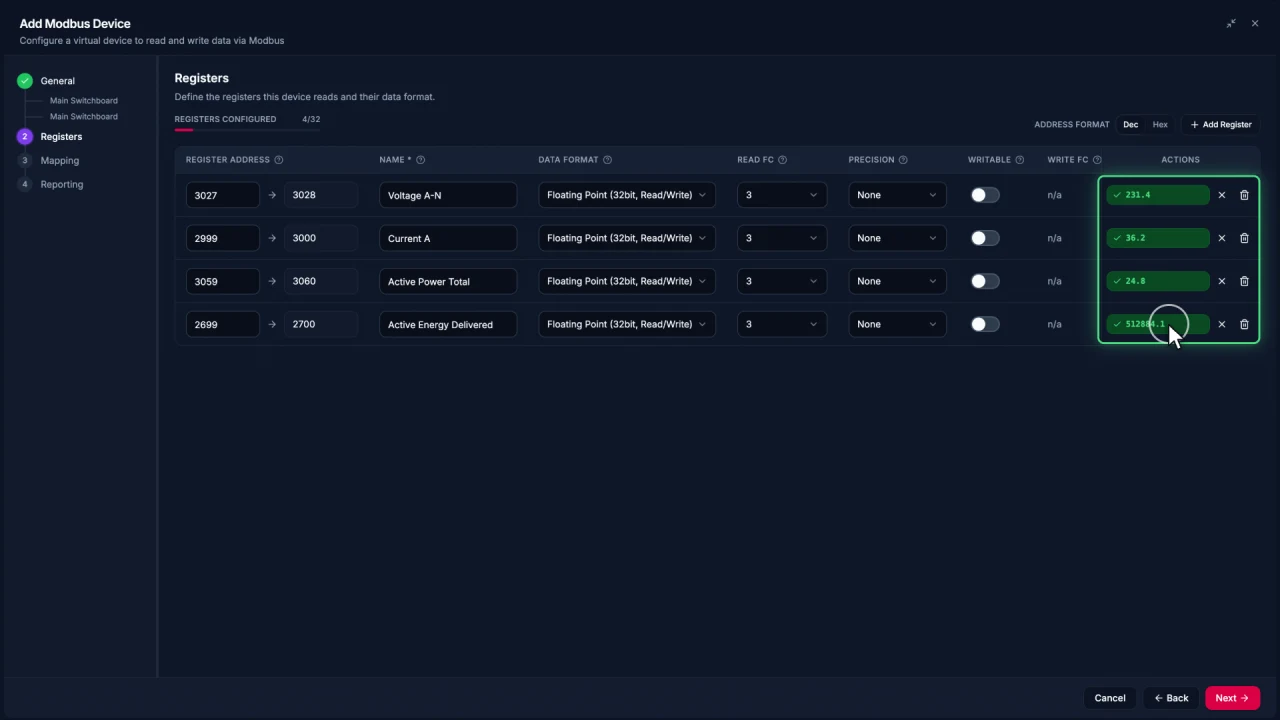
Connecting Modbus meters in Edge
Add a Modbus TCP meter in EpiSensor Edge, configure and test registers, then reuse the verified device template for another meter.
Watch video · 2:30 -
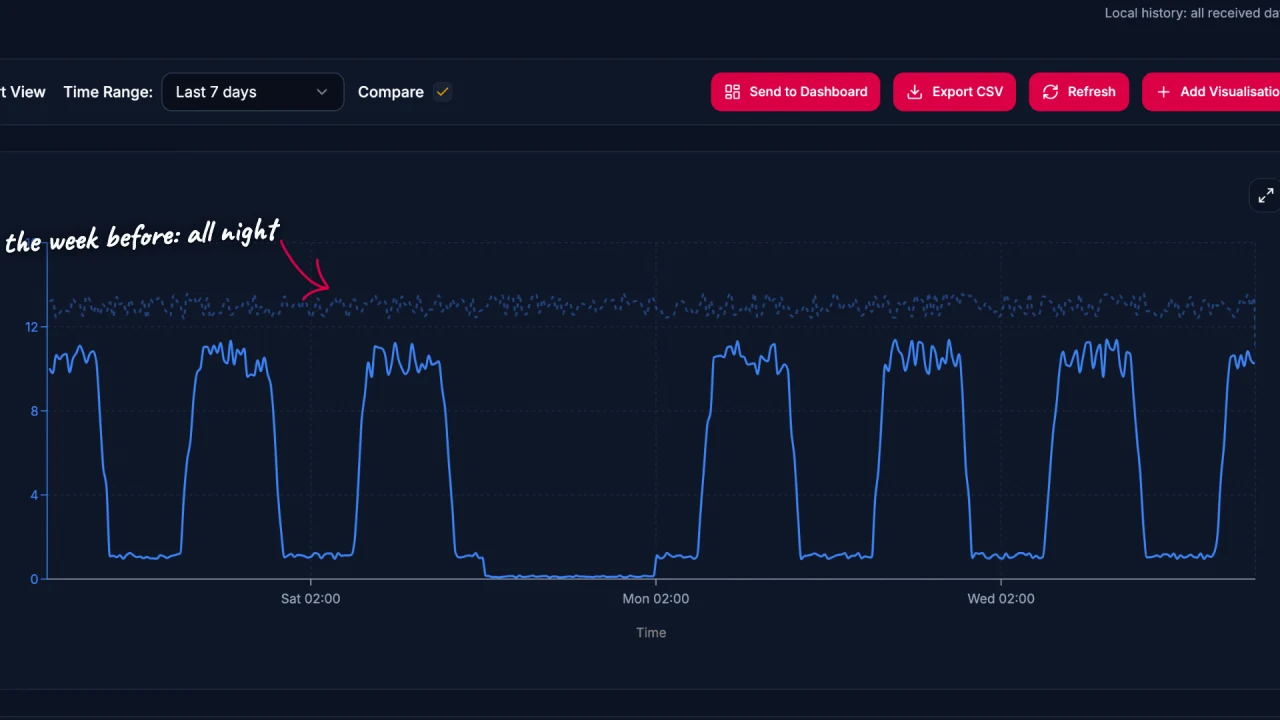
Energy data analysis in Edge
Explore energy data in EpiSensor Edge with charts, period comparisons, zoom and heatmaps. The example traces a compressor running outside expected hours.
Watch video · 2:17 -
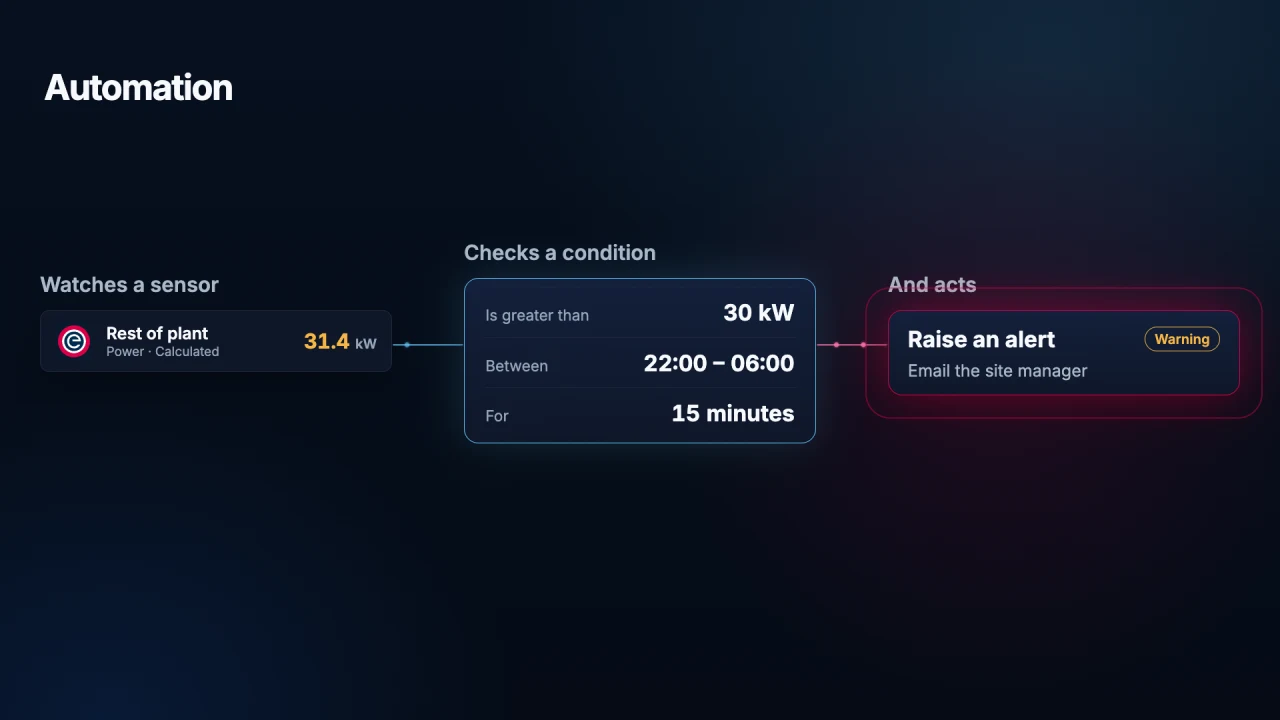
Automation in Edge
Use local Edge automation to monitor a sensor, check a condition and act on it. See how a Gateway alerts staff to unexpected overnight energy use.
Watch video · 1:45 -
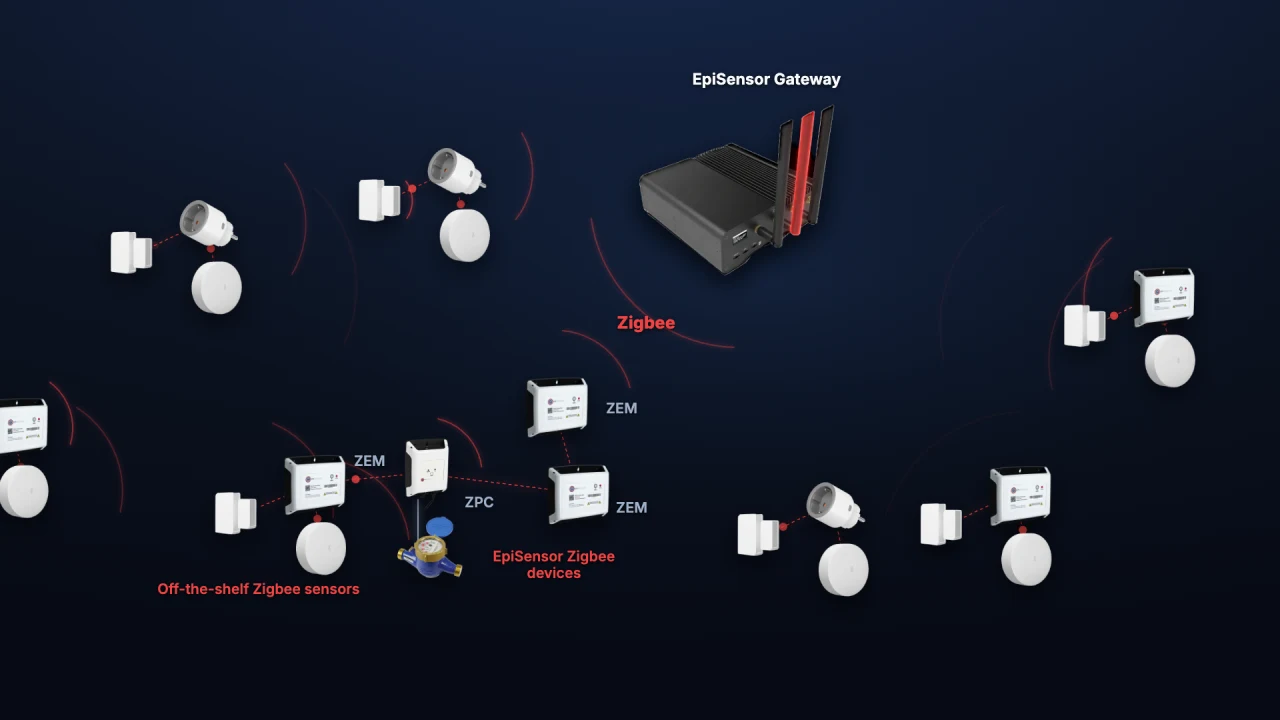
Adding Zigbee devices in Edge
Add a ZEM electricity monitor, door contact and temperature sensor to Edge. See how industrial meters and everyday sensors share one wireless network.
Watch video · 1:59