Pulse meter scaling calculator

Turn a pulse count into energy or volume, and check that the pulse rate, pulse width and counter size suit the meter at its highest flow.

M-Bus and pulse Updated Free, no sign-up

Meter
Measures
imp/kWh
Highest rate
kW

From the counting input datasheet

Hz

On time, from the meter

ms
More options
Counter
min

Energy in 36,000 pulses

3.6kWh

Pulse rate at 72 kW
200 Hz
Pulses in 15 minutes at that rate
180,000 pulses
32-bit counter capacity
429,497 kWh
  • Fail: Pulses arrive faster than the input countsLower the pulse constant on the meter, or use a faster input.200 Hz
  • Fail: Pulses overlap30 ms pulses in a 5 ms period. Shorten the pulse or lower the constant.
  • Pass: Counter rolloverAt the maximum rate, from zero248.6 days

Meter output limits, minimum off time and debounce are in the meter and input datasheets.

How it’s calculated
  1. Total = pulses ÷ K=36,000 ÷ 10,000=3.6 kWh
  2. f = rate × K ÷ 3600=72 × 10,000 ÷ 3600=200 Hz
  3. Capacity = 2^32 ÷ K=2^32 ÷ 10,000=429,497 kWh

Choose the pulse counter for this meter.

Build a system

36,000 pulses at 10,000 imp/kWh is 3.6 kWh. At 72 kW the meter sends 200 Hz, faster than the input’s 25 Hz.

Tip: Use the pulse constant configured on the pulse output, not the LED constant printed on the meter face, unless the LED is what you count.

How to convert pulses to kWh or m³

A pulse output sends one pulse for a fixed amount of energy or volume: the meter’s pulse constant, such as 1,000 pulses per kWh or 100 pulses per m³. To turn pulses into kWh or m³, divide the count by the constant. To check the counting input, work out how fast the pulses arrive at the meter’s highest load and compare that with the input’s maximum frequency.

Pulses to energy or volume

total = pulses ÷ K

K is the pulse constant in pulses per kWh, per m³ or per unit. 3,600 pulses at 1,000 imp/kWh is 3.6 kWh.

Pulse rate at the highest load

f = maximum rate × K ÷ 3600

The maximum rate is in kW for electricity or m³/h for water and gas. Dividing by 3,600 turns pulses per hour into pulses per second (Hz).

Does the pulse fit?

pulse width < 1000 ÷ f (ms)

At the highest rate each pulse and the gap after it must fit inside one period. A 30 ms pulse at 20 Hz leaves 20 ms off in a 50 ms period.

Counter rollover

capacity = 2bits ÷ K

An unsigned counter wraps to zero after 2bits pulses. A 16-bit counter holds 65,536 pulses, only 65.54 kWh at 1,000 imp/kWh.

Choosing the constant is a trade. A higher K gives finer resolution, which matters for interval data, but a faster pulse rate at full load. Pick the highest constant whose rate at maximum load stays within the counting input, with some margin.

Pulse meter scaling examples

An electricity sub-meter at 1,000 imp/kWh

3,600 pulses at 1,000 imp/kWh is 3.6 kWh. At the circuit’s 72 kW maximum the meter sends 72 × 1000 ÷ 3600 = 20 Hz, within a 40 Hz input, and a 30 ms pulse fits the 50 ms period.

Energy in 3,600 pulses 3.6 kWh Open in the calculator
A water meter at 100 pulses per m³

2,500 pulses at 100 imp/m³ is 25 m³. At 6 m³/h the rate is 6 × 100 ÷ 3600 = 0.1667 Hz, one pulse every six seconds, far inside a 4 Hz battery-powered input.

Volume in 2,500 pulses 25 m³ Open in the calculator

A pulse constant set too high

The same 72 kW circuit with the output set to 10,000 imp/kWh sends 200 Hz at full load, eight times faster than a 25 Hz input can count. Pulses would be lost exactly when the load is highest. Setting the output to 1,000 imp/kWh brings it back to 20 Hz. The finer resolution was not buying much: at 10,000 imp/kWh, 36,000 pulses are still only 3.6 kWh.

Energy in 36,000 pulses 3.6 kWh Open in the calculator

Pulse rate at full load (Hz)

The pulse frequency an electricity meter sends at its maximum load, for three common pulse constants. For water or gas, read the load column as m³/h and the constants as pulses per m³.

Pulse rate at full load (Hz), values in Hz
Maximum load (kW)100 imp/kWh (Hz)1,000 imp/kWh (Hz)10,000 imp/kWh (Hz)
50.1391.3913.9
100.2782.7827.8
200.5565.5655.6
501.3913.9139
72220200
1002.7827.8278
1504.1741.7417
2005.5655.6556
3008.3383.3833
50013.91391,389
1,00027.82782,778

Download this table (CSV)

Questions about pulse meter scaling

How do I convert pulses to kWh?

Divide the number of pulses by the pulse constant. At 1,000 imp/kWh, each pulse is 1 Wh and 1,000 pulses are 1 kWh. At 800 imp/kWh, each pulse is 1.25 Wh.

Is the constant on the meter face the one to use?

Not always. The LED on an electricity meter often flashes at a different rate from its pulse output, and many meters let you set the output constant. Use the constant configured on the output you are counting.

Why does my pulse total drift from the meter register?

Usually missed pulses at high load, contact bounce counted as extra pulses, or the wrong constant. Compare the count with two register readings some days apart. The pulse meter commissioning guide covers the checks.

What is the difference between a dry and an active pulse?

A dry (volt-free) contact opens and closes a switch and needs the counting input to supply the voltage. An active pulse output drives a voltage itself. The input has to match; see dry pulse and active pulse.

Limits of this result

  • The rate check does not verify dry-contact versus active-pulse electrical compatibility.
  • It checks receiver maximum frequency and whether entered ON time is shorter than the calculated period. It does not check meter maximum output frequency, minimum OFF time, receiver minimum ON/OFF times, debounce or saturation.
  • Counter rollover assumes an unsigned n-bit counter starting at zero that rolls after 2ⁿ received pulses; it is not remaining capacity for an existing count.

Measure it continuously

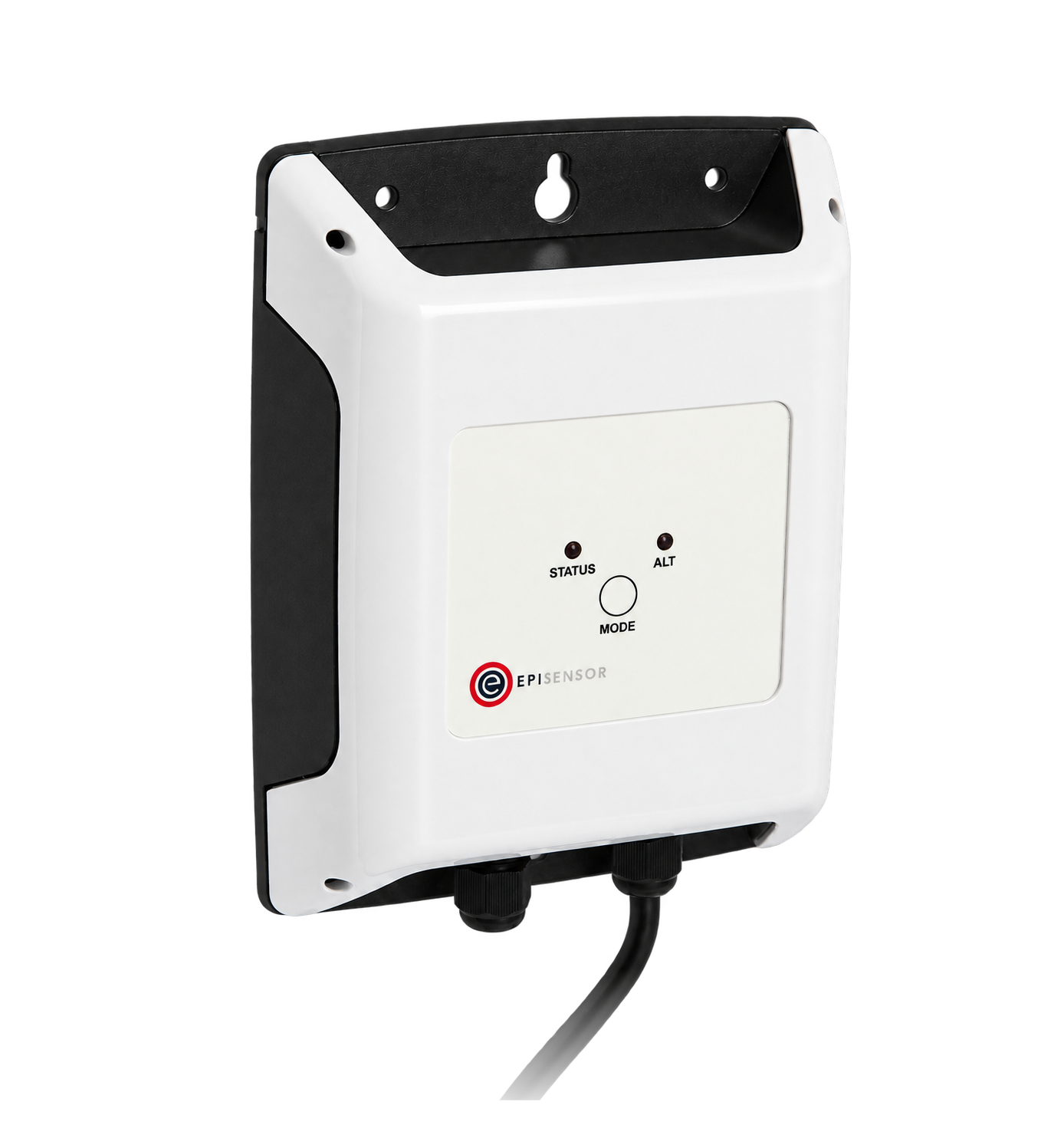
A ZPC counts pulse outputs from existing meters and sends the counts to the Gateway. The battery-powered versions accept up to 4 Hz and the mains-powered versions up to 40 Hz, with pulses at least 10 ms long and 10 ms apart.

Related guides

Sources

  1. EasyLogic PM2200 series user manual: pulse example calculations (opens in a new tab) (PDF) Schneider Electric, NHA2778902-06
  2. EM3100–EM3700 series: pulse output configuration (opens in a new tab) Schneider Electric, accessed 2026-09-14