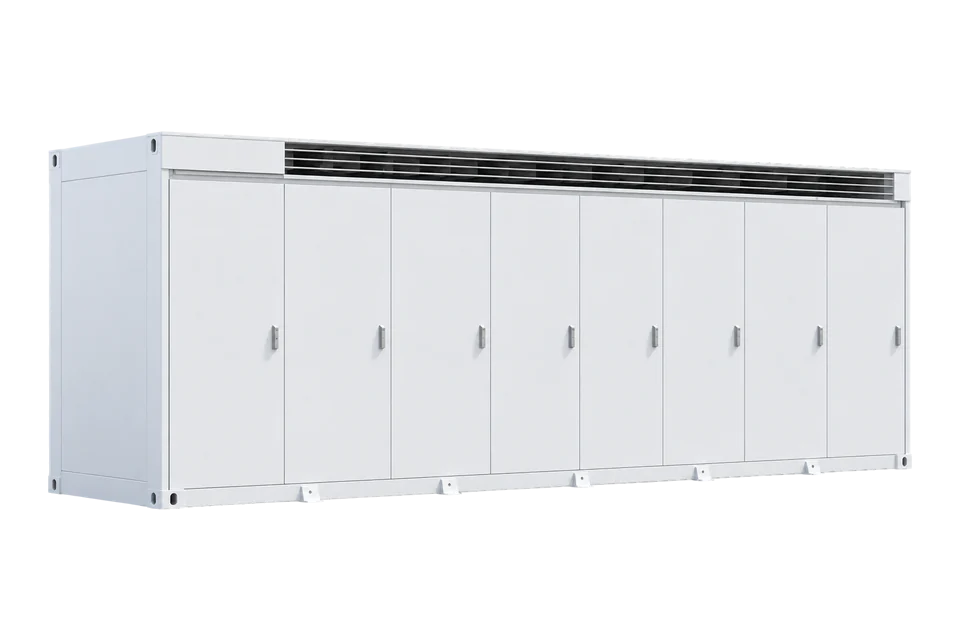
Tesla Megapack 2 XL
Commercial and utility battery energy storage system
Megapack 2 XL is an integrated utility-scale battery system. Tesla Powerhub provides site and battery-block monitoring, historical reports and data exports; Tesla also documents third-party DERMS telemetry integration and its Powerhub API. Edge measures it through an EpiSensor ZEM on its 480 V AC feeder.
Compatibility
Compatible with EpiSensor Edge through an EpiSensor ZEM on its AC feeder
Tesla documents Powerhub exports and telemetry integration with third-party DERMS, but its public support page supplies no local Modbus map for Edge to read. Edge measures the Megapack through an EpiSensor ZEM with CTs on its 480 V AC feeder: charge and discharge power and energy at the battery’s AC boundary. Powerhub reports remain the reference for battery-block detail.
Megapack 2 XL part family 1848844-x*y*-z* in Tesla emergency guide revision 2.8. Site check: choose CTs for the feeder current, record the import direction, and compare the ZEM with a Powerhub export over the same interval. No Tesla, protection, fire or market authority is transferred.
Connect it with
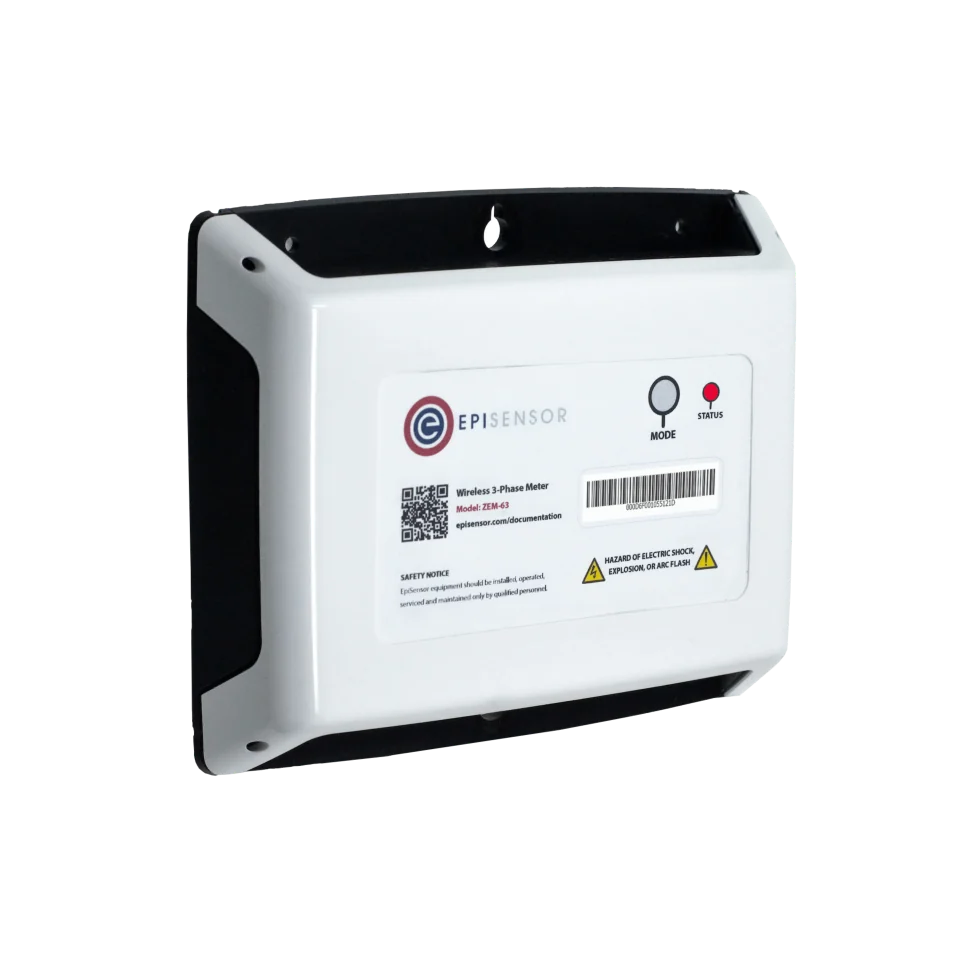
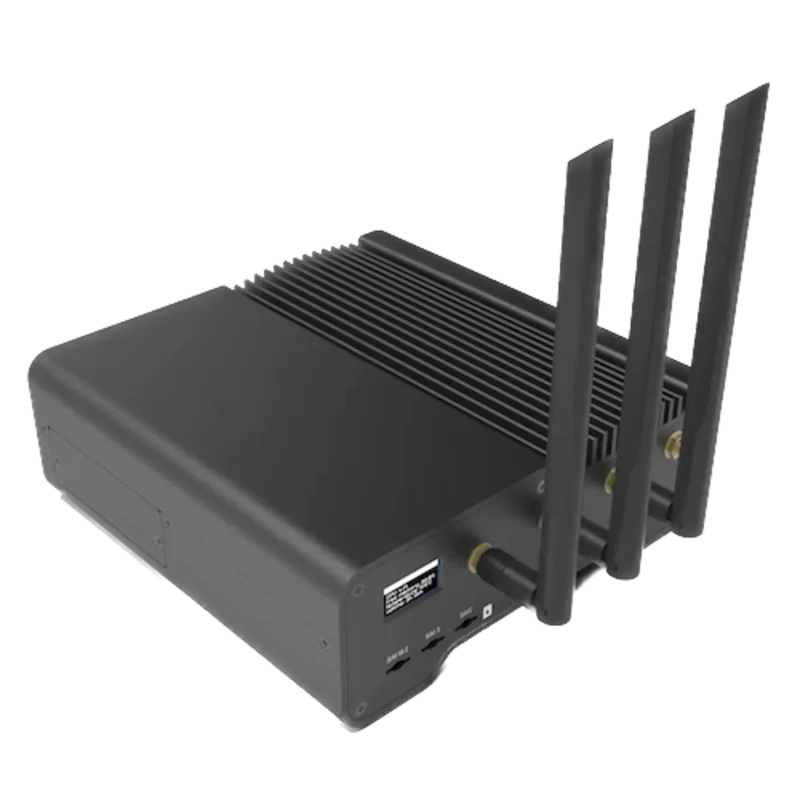
For charge and discharge power and energy at each Megapack’s 480 V AC connection
- Wired
- Edge
- Platforms
Models
| Models | Interface | Route into Edge |
|---|---|---|
| Megapack 2 XL, part family 1848844-x*y*-z* | Integrated battery modules, inverter, thermal systems and Tesla software | Measure the AC feeder with an EpiSensor ZEM; use Powerhub reports for battery-block detail. |
| Megapack and Megapack 2 | Earlier part families with different voltage, mass and enclosure specifications | Do not transfer Megapack 2 XL dimensions, limits or interface assumptions. |
Specifications
Powerhub combines site meters, individual battery blocks and other energy assets in one monitoring platform. Tesla documents historical trends, custom reports, data export and telemetry integration into third-party DERMS.1
- Exact family
- Megapack 2 XL, part family 1848844-x*y*-z*2
- Maximum system voltage
- Below 1,230 V DC; 480 V AC2
- Maximum mass
- 38,100 kg2
- Published software boundary
- Powerhub site and battery-block views, historical reports, exports and a project API/DERMS integration route1
- Third-party interface
- Powerhub documents telemetry integration into third-party DERMS; local addresses and the project API schema are not in the public support article12
- Safety scope
- Emergency response and high-voltage isolation remain under Tesla and the approved site plan2
Interface
Documented measurements and integration boundaries for Megapack 2 XL.
- Potential identity, availability, state, power, energy, state of charge, temperatures and alarms require a Tesla-approved project interface.
- Megapack, site controller, revenue meter, protection relay and market platform values remain distinct records with source and timestamp.
- Fire detection, emergency response, high-voltage isolation and service procedures remain solely under Tesla and the approved site plan.
- No dispatch, charge, discharge, reactive-power, grid-service, protection, reset or emergency command is approved by this guide.
Assessment
Megapack 2 XL part family 1848844-x*y*-z* in Tesla emergency guide revision 2.8. Edge measures the AC feeder through an EpiSensor ZEM. No Tesla, protection, fire or market authority is transferred.
- InteroperabilityLimited
- Tesla documents report exports, Powerhub API dispatch and telemetry integration into third-party DERMS, with endpoint and schema details agreed per project and no open local map. Edge measures the AC feeder through an EpiSensor ZEM.12
- AccuracyNot yet assessed
- Tesla publishes no readable point set, units or sign conventions for a local client; a ZEM on the AC feeder measures power and energy at that boundary.12
- SecurityNot yet assessed
- Authentication, encryption, roles and read-only privilege separation for an independent client are not defined in the retained public sources.12
- ReliabilityLimited
- System operating limits are published; Tesla does not publish client recovery, stale-data behaviour or concurrent-client limits.12
- RuggednessSupported with conditions
- The emergency guide publishes approximate enclosure and voltage data; installation and emergency plans govern the actual project.12
Setup
-
Confirm the delivered system
Record every enclosure, battery rack, PCS, BMS, EMS, meter and controller identity, plus firmware, software, network and contract revisions.
-
Map authority before data
Document which system owns charge and discharge, protection, fire and life safety, grid control, market dispatch, settlement, warranty and emergency response.
-
Start with a Powerhub export
Use the site’s Powerhub account to inspect a historical trend and export a report. Identify which series belongs to the site meter and which to an individual battery block; retain the export’s time zone, interval and units. For automated collection in Edge, measure the battery feeder with an EpiSensor ZEM.
-
Compare the battery feeder with the site meter
Compare battery-block data with the ZEM on the battery AC feeder over the same recorded interval. Treat the whole-site meter separately because it also includes other loads and generation. Check power direction during an existing scheduled charge and discharge, and mark missing or delayed cloud data rather than turning it into zero power. Keep dispatch in the existing Tesla or site-control system.
Common questions
- How does Edge connect to a Megapack?
- Through an EpiSensor ZEM on the Megapack’s 480 V AC feeder, which gives Edge charge and discharge power and energy. Tesla documents Powerhub data exports, its API and integration of telemetry into third-party DERMS, but the public support page publishes no local Modbus map.1
- Can a monitoring client issue dispatch commands?
- No. Dispatch and market participation remain under the authorised site controller and Tesla software unless a separate approved control design says otherwise.1
- Can monitoring alter emergency procedures?
- No. Emergency response, isolation, fire command and service access must follow Tesla and the approved site emergency plan.2
Related devices
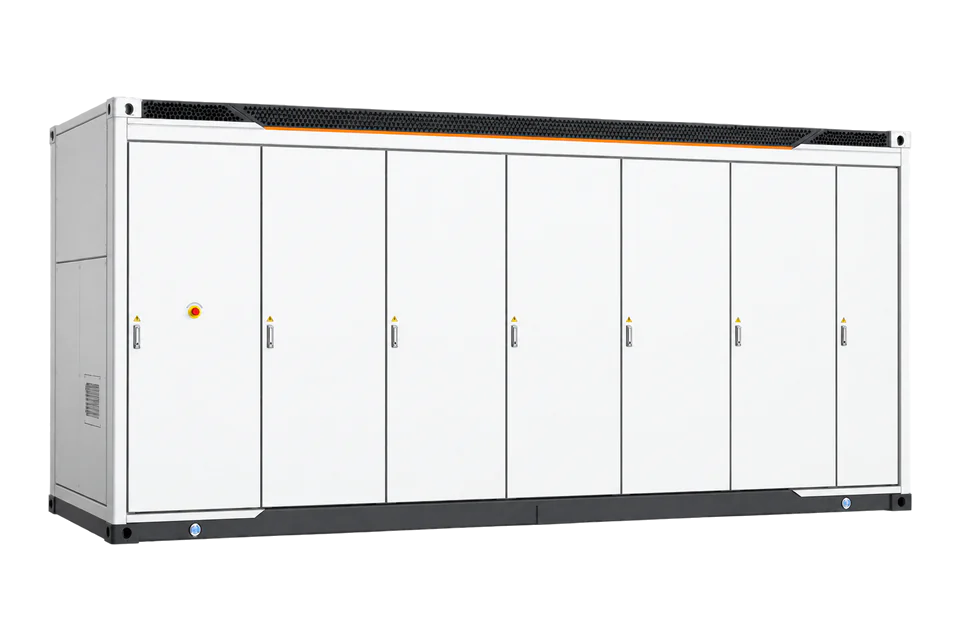
Similar battery systems and controls
Sources
- Tesla Powerhub monitoring, reports and telemetry integration (opens in a new tab)
- Industrial Lithium-Ion Battery Emergency Response Guide, revision 2.8 (opens in a new tab) (PDF)
Further reading
Product names and trademarks belong to their owners. Publication does not imply endorsement or a commercial relationship.