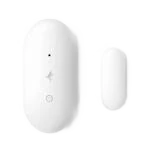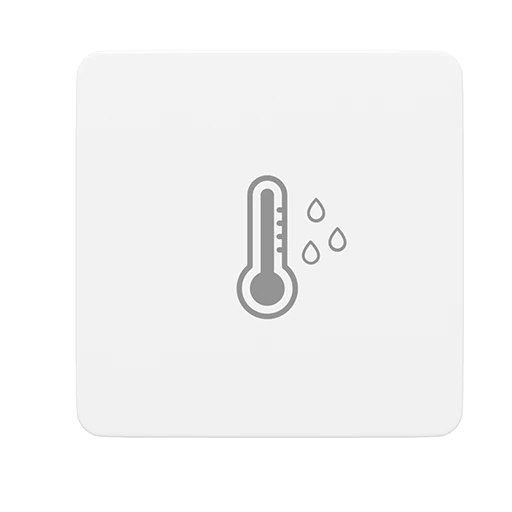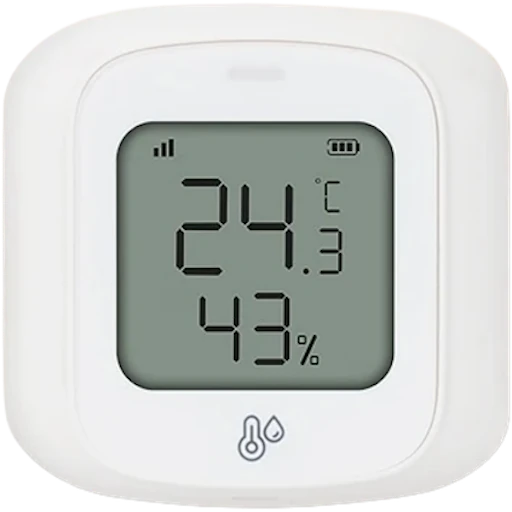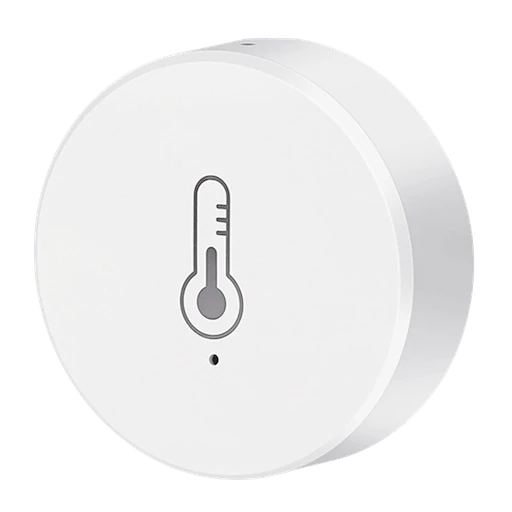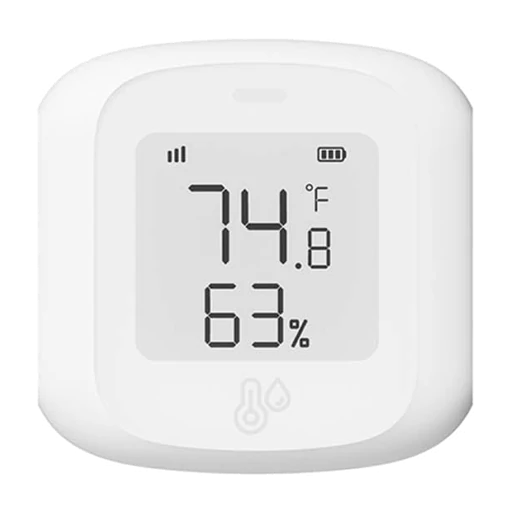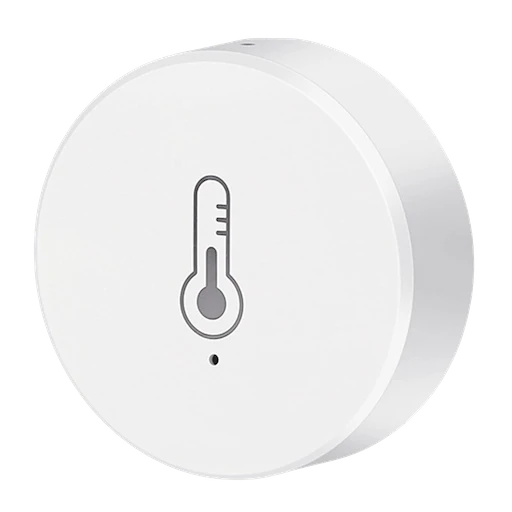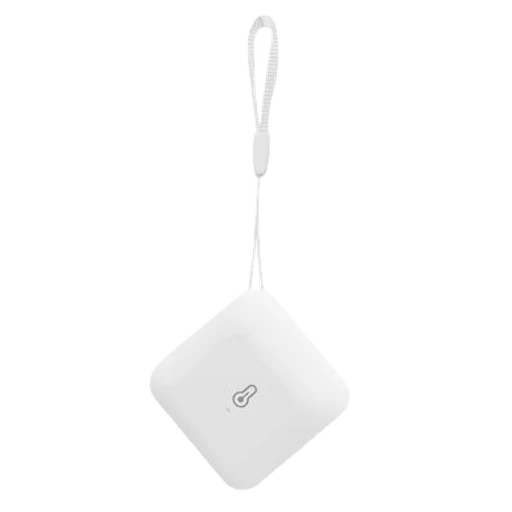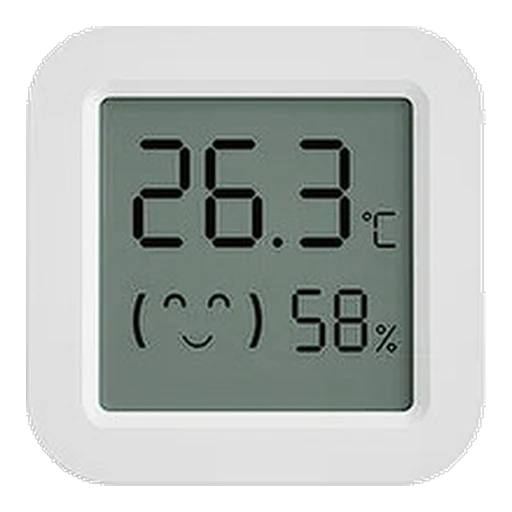
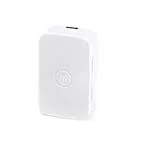
SmartThings 3310-S
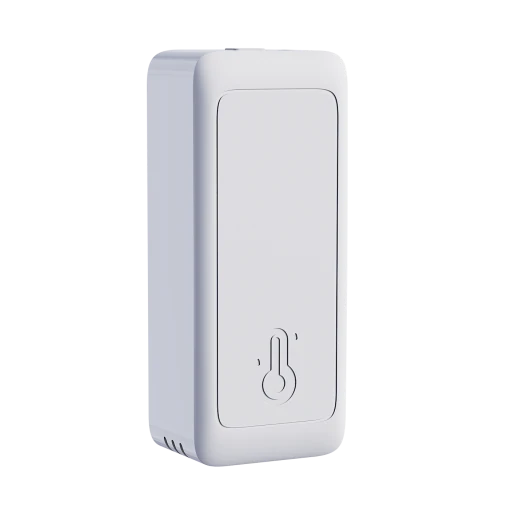
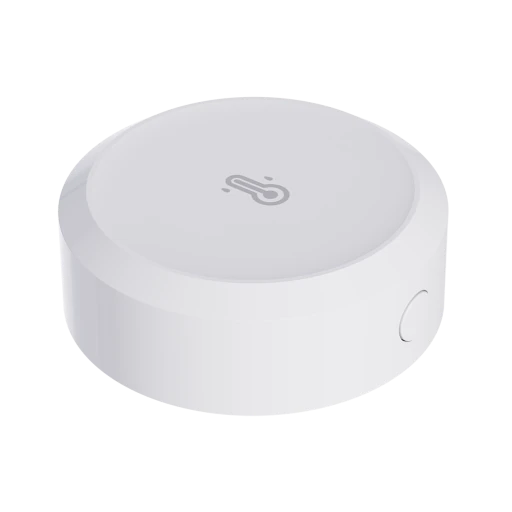
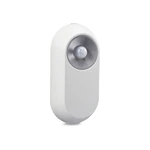
Temperature and humidity sensor. Reports temperature and humidity with battery level. Battery powered.
- Temperature and humidity
Meters, sensors and controllers, and how each connects to Edge.
136 device pages · 37 manufacturers with device pages
196 devices
Temperature and humidity sensor. Reports temperature and humidity with battery level. Battery powered.
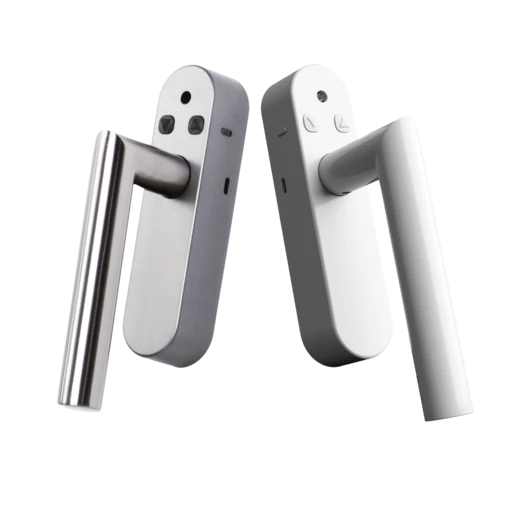
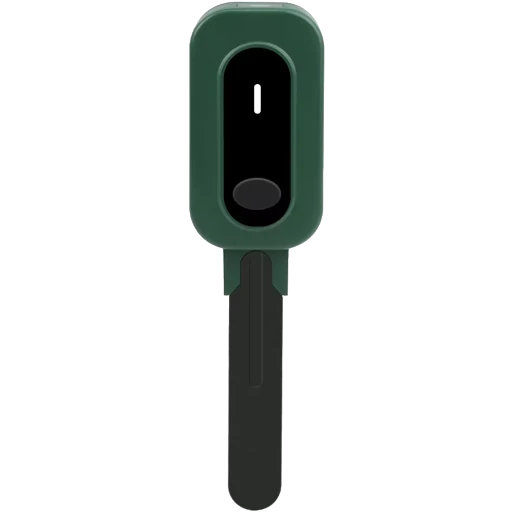
S8 premium window handle. Reports temperature and humidity, and exposes valve position with battery level and a low-battery alarm. Battery powered.
Temperature and humidity sensor. Reports temperature and humidity with battery level and field calibration. Battery powered, with firmware updates over the air.
Temperature and humidity sensor. Reports temperature, humidity and pressure with battery level and field calibration. Battery powered, with firmware updates over the air.
Zigbee temperature and humidity sensor. Reports temperature and humidity with battery level. Battery powered.
Motion and temperature sensor. Reports occupancy with a low-battery alarm and a tamper alarm.
Smart+ contact and temperature sensor. Reports temperature and contact state with battery level, a low-battery alarm and a tamper alarm. Battery powered.
Presence sensor Z1 occupancy and temperature/humidity sensor. Reports temperature, humidity and occupancy.
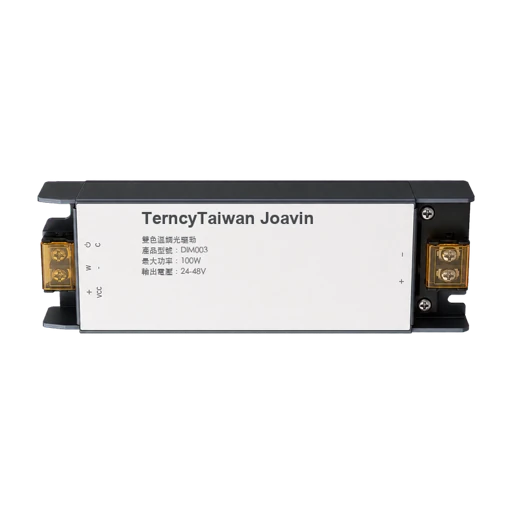
Color temperature dimmer. Exposes a switched output, dimming and colour temperature with field calibration.
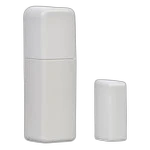
Temperature and contact sensor. Reports temperature and contact state with battery level. Battery powered.
Temperature and humidity sensor lite. Reports temperature and humidity with battery level. Battery powered, with firmware updates over the air.
Temperature and Humidity Sensor Lite Gen2. Reports temperature and humidity with battery level and field calibration. Battery powered, with firmware updates over the air.
Room CO2, humidity and temperature sensor. Reports voltage, temperature, humidity and CO₂ with a low-battery alarm.
Temperature and humidity sensor. Reports temperature and humidity with battery level. Battery powered.
Temperature and humidity smart switch 16A. Reports temperature and humidity, and exposes a switched output.
Temperature and humidity sensor. Reports temperature and humidity with battery level. Battery powered.
Temperature and humidity sensor with clock. Reports temperature and humidity with battery level. Battery powered.
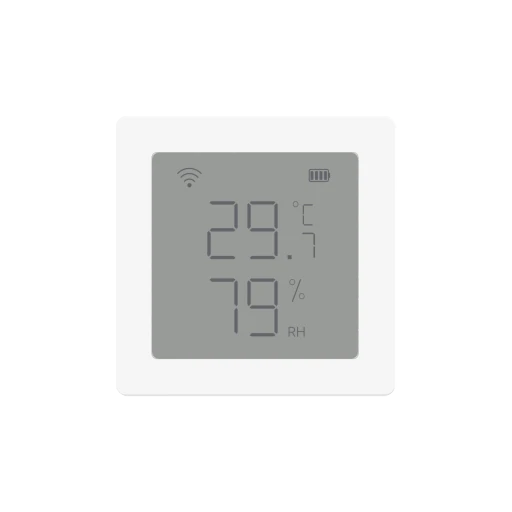
Temperature and humidity sensor with LCD. Reports temperature and humidity with battery level. Battery powered.
Temperature and Humidity Sensor (pvxx/ZigbeeTLc). Reports temperature and humidity with battery level and field calibration. Battery powered, with firmware updates over the air.
Temperature and humidity sensor. Reports temperature and humidity with battery level and field calibration. Battery powered.
Temperature and humidity sensor with LED screen. Reports temperature and humidity with battery level. Battery powered.
Smart mini temperature and humidity sensor. Reports temperature and humidity with battery level. Battery powered.
ZTH05 temperature and humidity sensor (pvvx/ZigbeeTLc). Reports temperature and humidity with battery level and field calibration. Battery powered, with firmware updates over the air.
Temp and humidity flower sensor with illuminance.
No devices match your filters
Try a broader model fragment, manufacturer or application.
Built from public Zigbee, LoRaWAN and Modbus device definitions and manufacturer documents. Exact manufacturer and model identities are joined; similar names are never assumed to be the same device.
A device that documents Zigbee 3.0, LoRaWAN or Modbus support connects to EpiSensor Edge through that protocol. A device page lists what the device reports, how to set it up and, where one exists, the Edge template for it.
Every page cites its sources. Zigbee device photographs come from the Zigbee2MQTT project and are credited under each photograph. We never run code from these sources, and register maps are for reading: never write to a meter from a map on this site.
Tell us the manufacturer and model, and we'll look at its documentation.