Moes · ControlSFL02-Z-4
Star feather smart switch 4 gangs. Exposes a switched output and power-on behaviour.
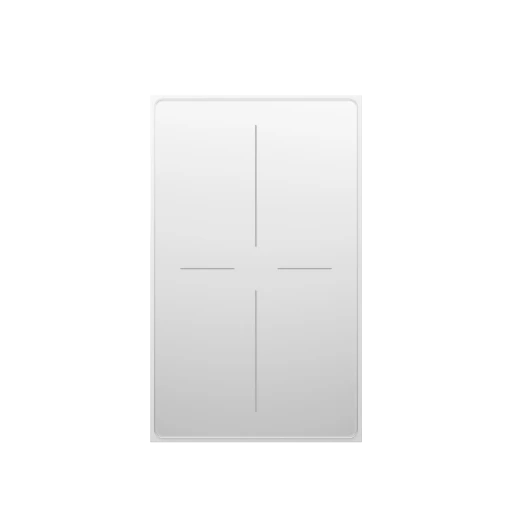
Connection
EpiSensor Gateway with Zigbee radio running Edge
Documented Zigbee support describes the path Edge would use. It is not an EpiSensor compatibility claim for this model.
Readings and controls
What the pinned upstream definition exposes for this exact model. Units and ranges are only shown when that source states them.
| Name | Type | Access | Unit | Range |
|---|---|---|---|---|
| switch | switch | — | — | — |
| state_l1 | binary | Read and write | — | — |
| state_l2 | binary | Read and write | — | — |
| state_l3 | binary | Read and write | — | — |
| state_l4 | binary | Read and write | — | — |
| countdown_l1 | numeric | Read and write | s | 0–43200 |
| countdown_l2 | numeric | Read and write | s | 0–43200 |
| countdown_l3 | numeric | Read and write | s | 0–43200 |
| countdown_l4 | numeric | Read and write | s | 0–43200 |
| momentary_1 | numeric | Read and write | s | 0–3600 |
| momentary_2 | numeric | Read and write | s | 0–3600 |
| momentary_3 | numeric | Read and write | s | 0–3600 |
| momentary_4 | numeric | Read and write | s | 0–3600 |
| mode_l1 | enum | Read and write | — | — |
| mode_l2 | enum | Read and write | — | — |
| mode_l3 | enum | Read and write | — | — |
| mode_l4 | enum | Read and write | — | — |
| backlight_mode | binary | Read and write | — | — |
| power_on_behavior | enum | Read and write | — | — |
| indicator_status | enum | Read and write | — | — |
| induction_mode | enum | Read and write | — | — |
| vibration_mode | enum | Read and write | — | — |
| action | enum | Read | — | — |
Commissioning
A live socket is not a live measurement. Prove the decode, then keep the map.
-
Pair the device on the Gateway Zigbee radio in Edge.
-
Confirm the reported manufacturer and model match this page.
-
Prove one known reading or control before enabling the rest of the points.
Sources
Built from the pinned Device Directory snapshot. Product names and trademarks belong to their respective owners; publication does not imply endorsement, a commercial relationship, or that EpiSensor has tested this model.