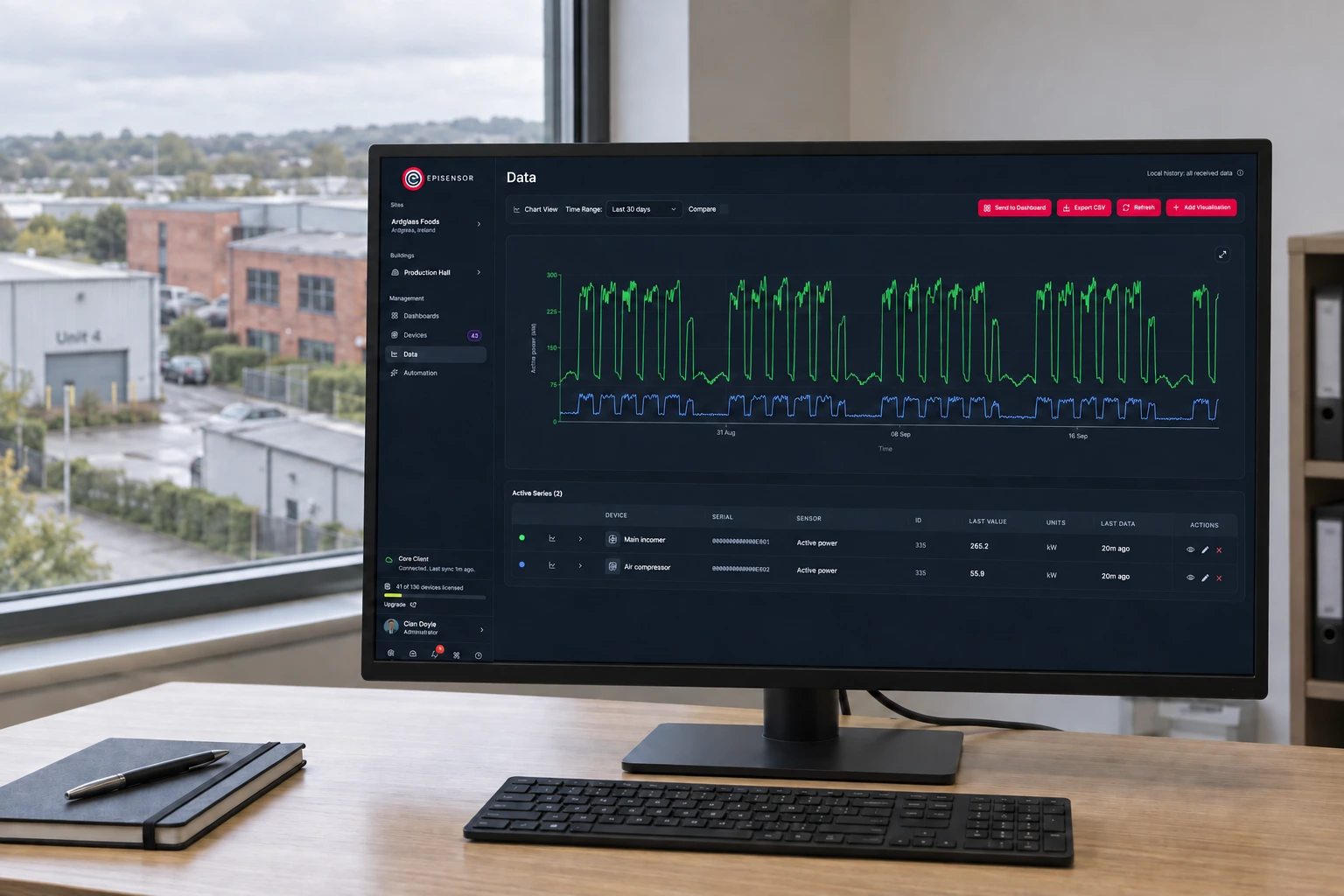
Multi-site energy monitoring
A Gateway on every site reads the meters that are already there, applies one point list, and keeps the readings when the connection drops.
- Measure
- Site incomers, the subloads that explain a difference, and the other utilities
- Scale
- One Gateway per site, up to 250 wireless devices on each Gateway datasheet (PDF, opens in a new tab)
- Sensors
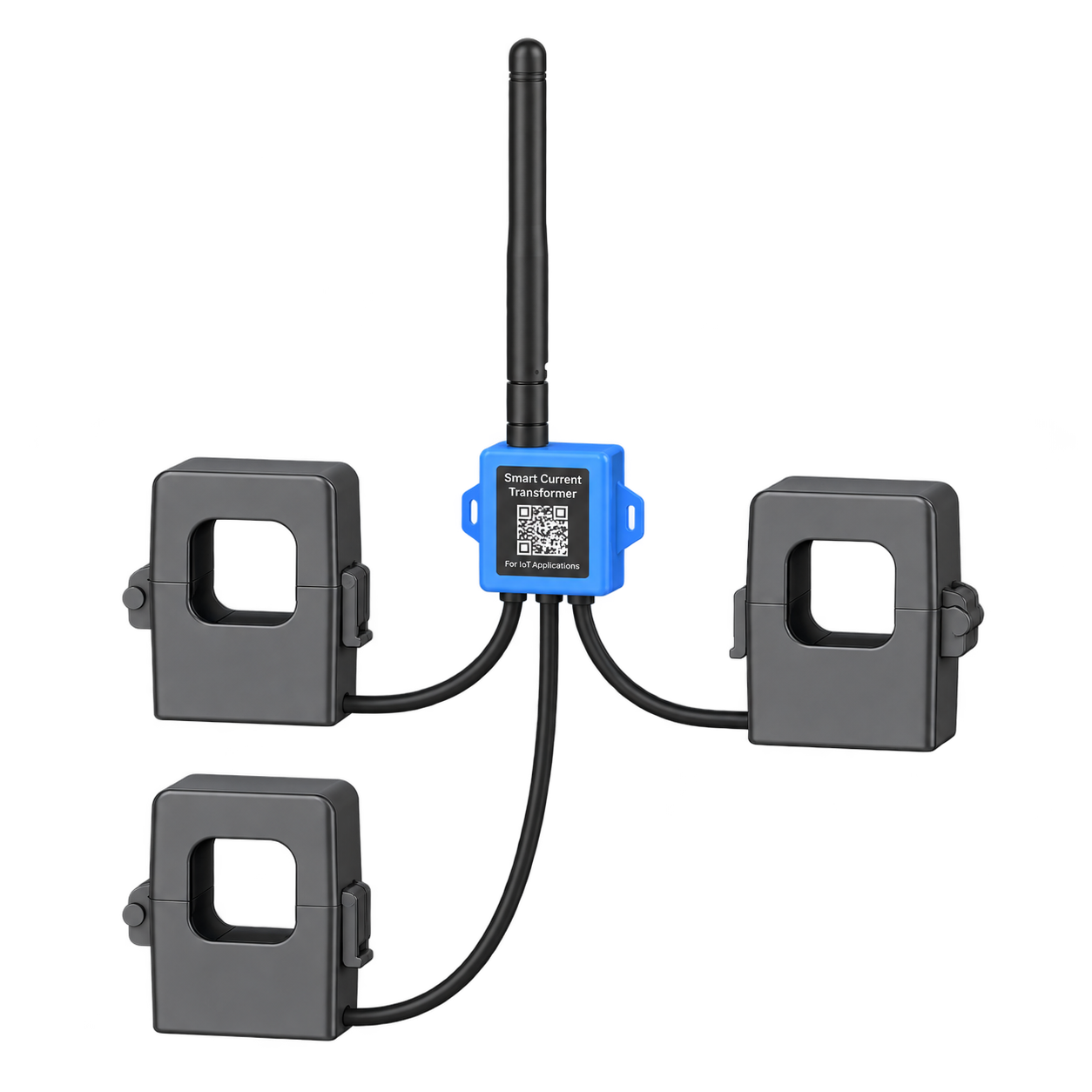
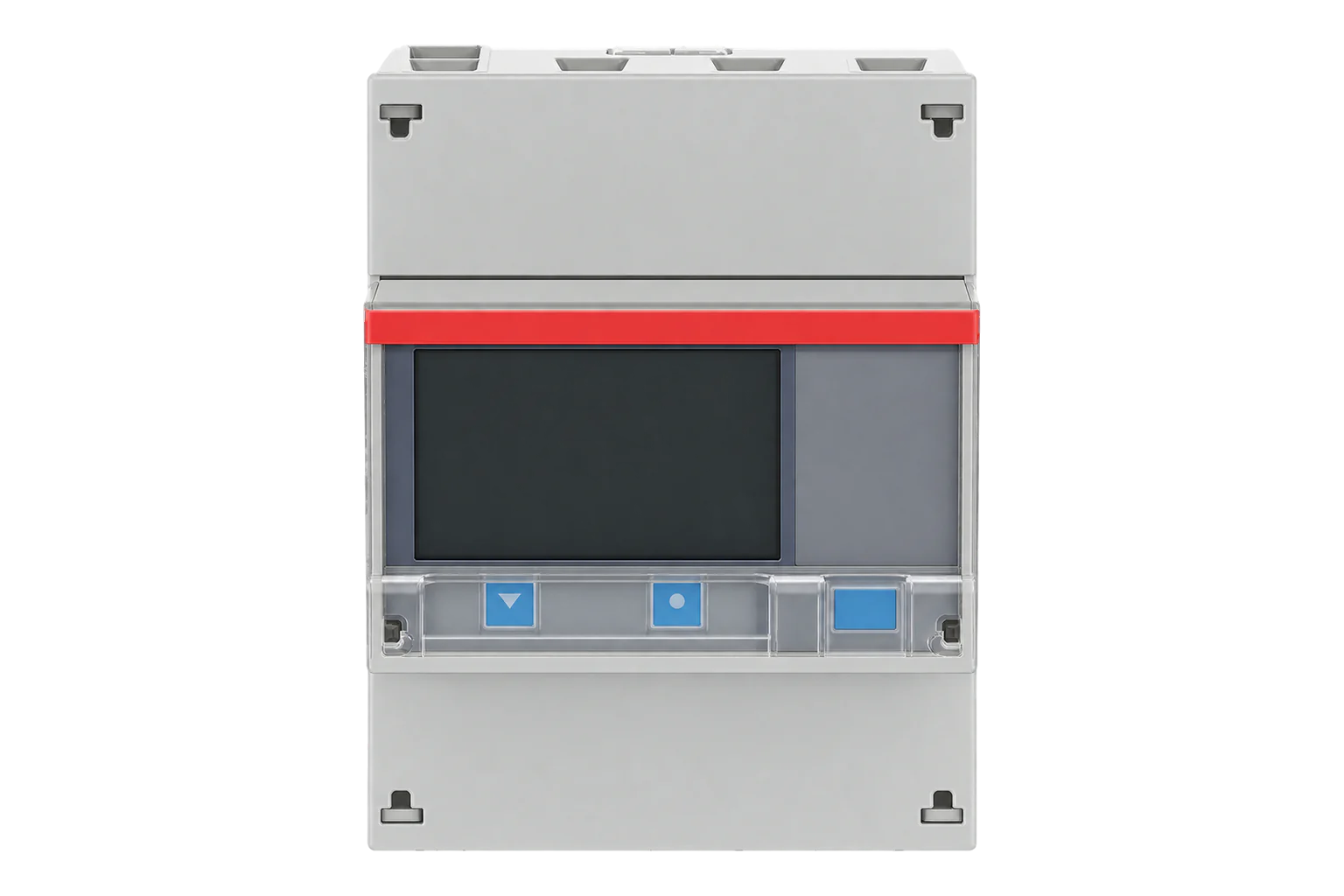
- ZEM-65, for new electrical points, existing meters through their own interface Wireless 3-Phase Electricity Monitor datasheet (PDF, opens in a new tab)
- On site
- Remote energy monitoring keeps running when the WAN is down, and backfills afterwards Gateway datasheet (PDF, opens in a new tab)
Hardware for energy monitoring across multiple buildings
Every site gets a Gateway. What hangs off it depends on what each building already has.

One per site: collects the meters, applies the point list and holds the data locally
1 per site up to 250 wireless devices
Zigbee, Ethernet, Wi-Fi and cellular, with Modbus, BACnet and MQTT for the wired side
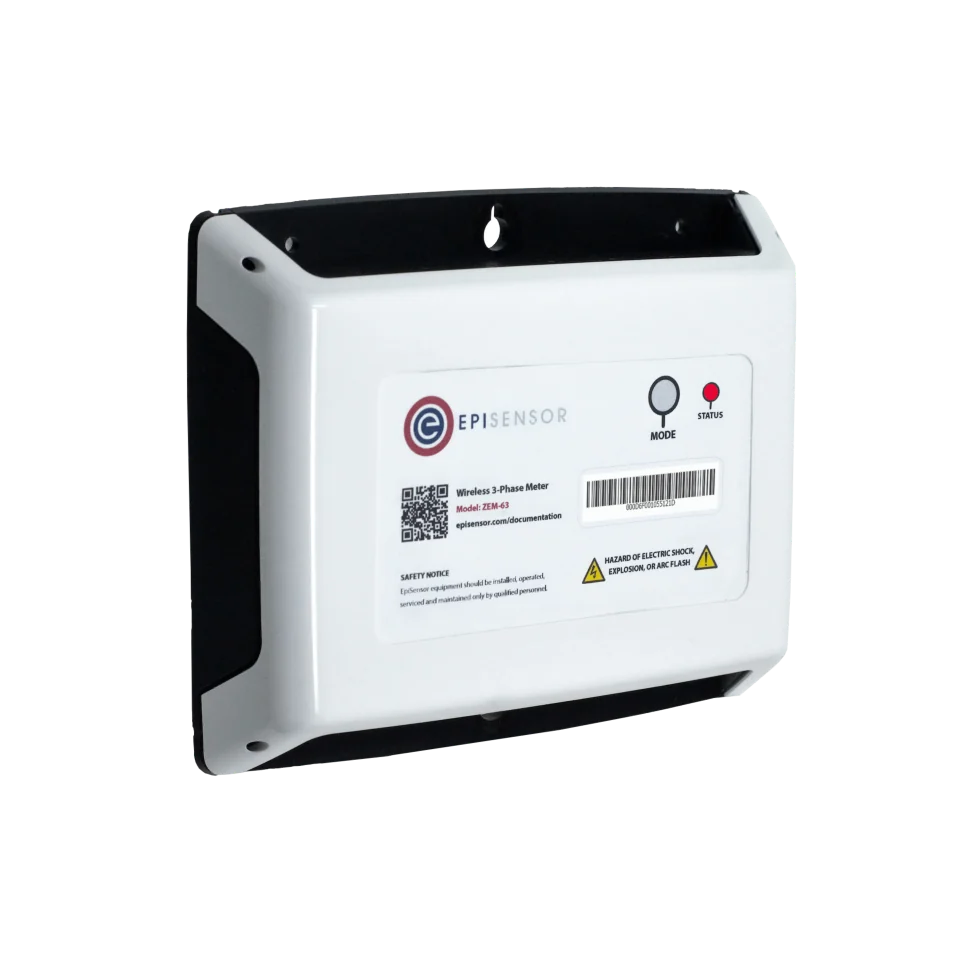
New electrical measurements at an incomer or a subload, without running data cable
1 per point three-phase, 3 or 4 wire
- Choose the CT rating per board: 120 A split-core, or 300 A, 1 kA and 3 kA Rogowski coils
Class 0.5S to IEC 62053-22 with its CTs, 0.1 A to 3 kA

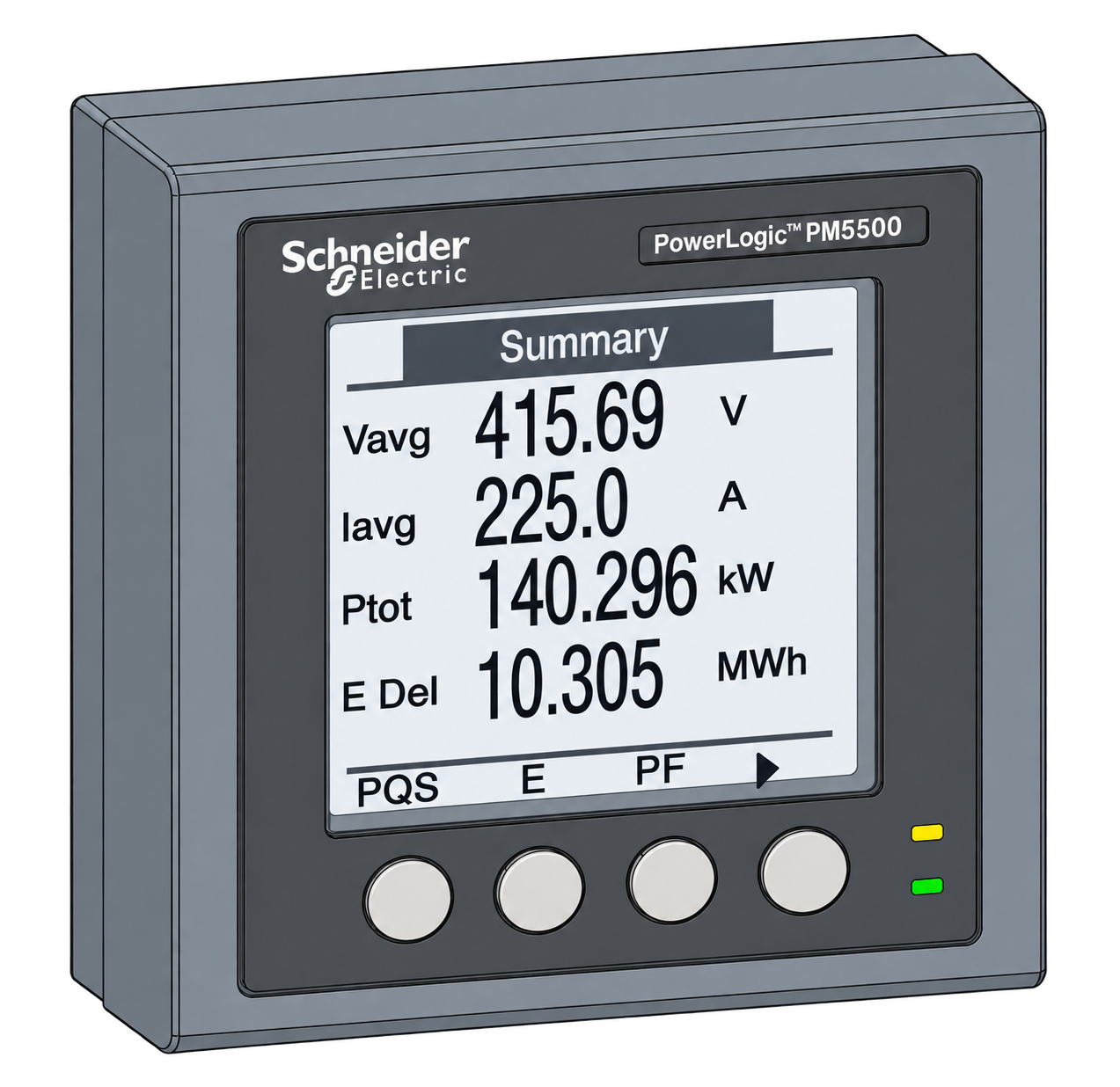
Existing meters and equipment that already speak Modbus RTU on site
1 per bus up to 30 registers
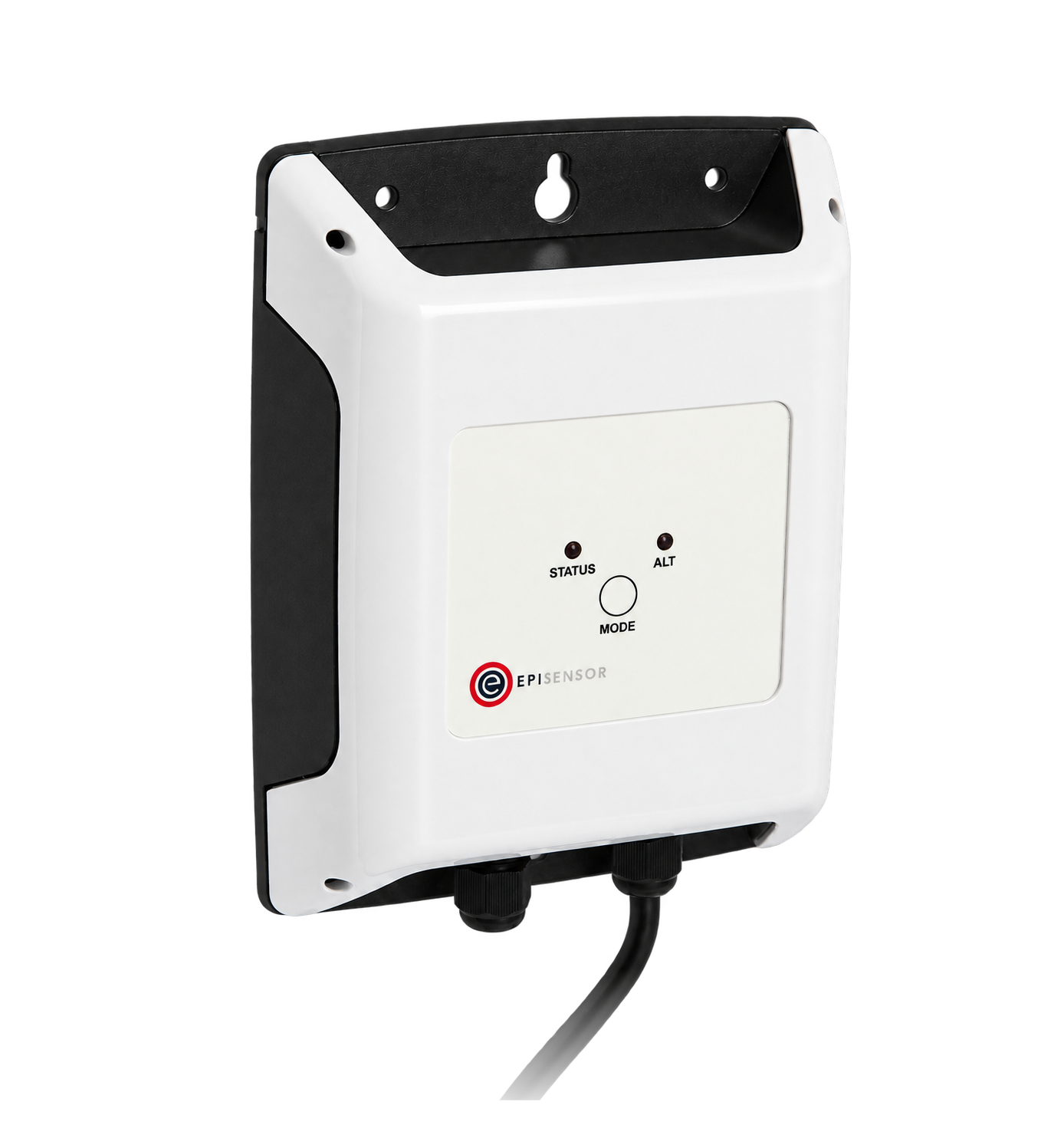
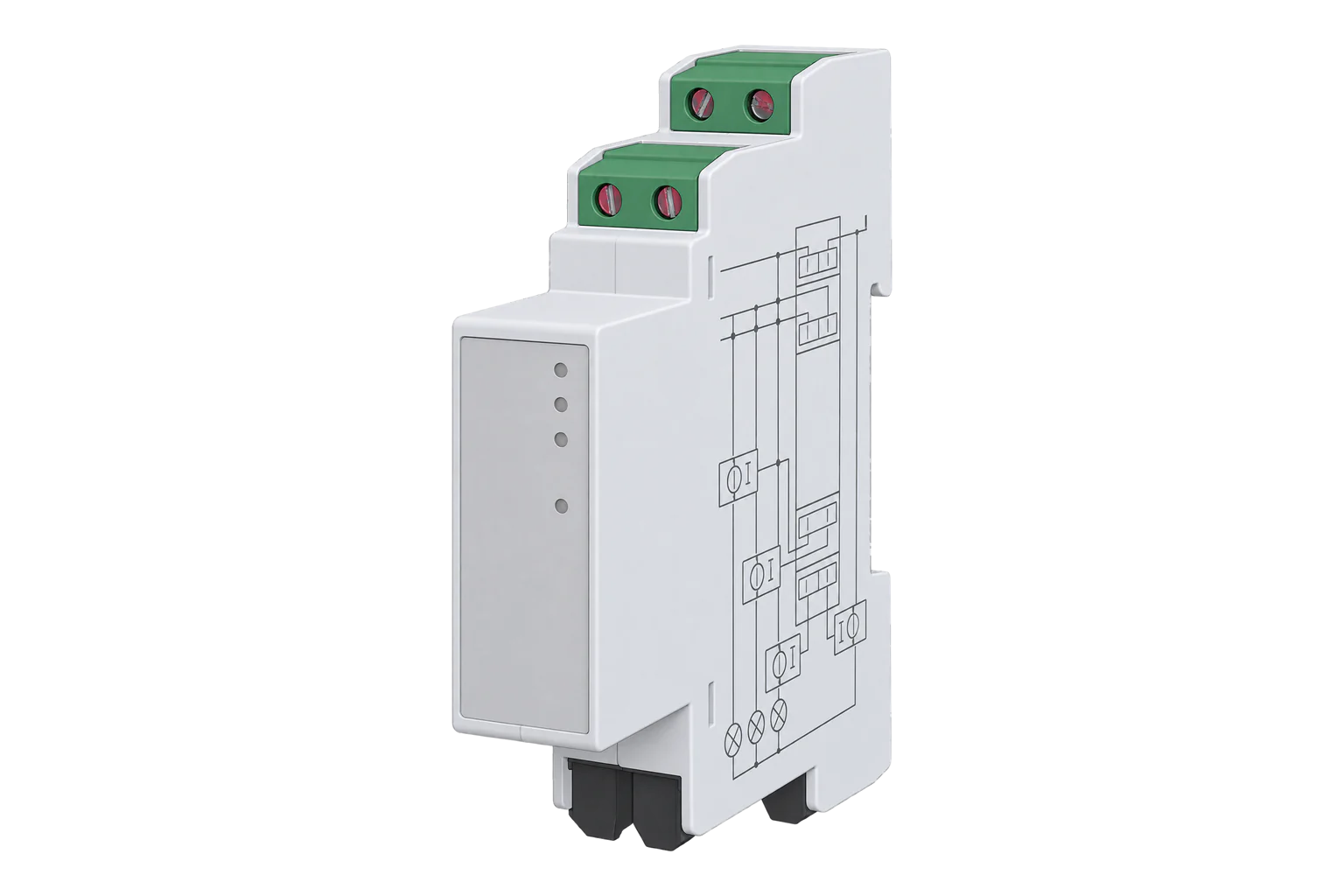
Water, gas and heat meters that only have a pulse output
1 per meter two channels on the ZPC-22
Pulses down to 10 ms wide, up to 40 Hz, inputs to 35 V DC
If a site has heat meters
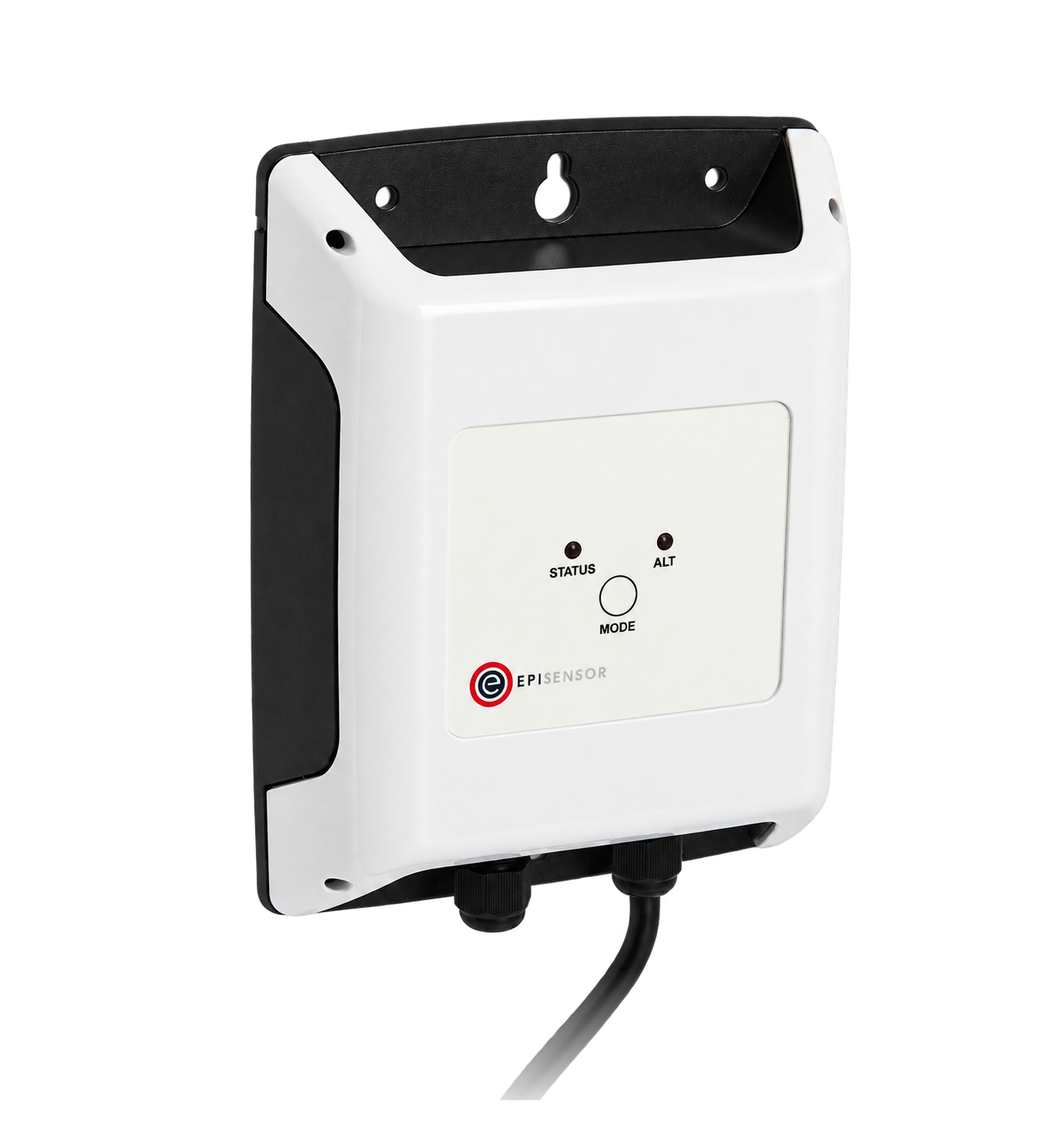
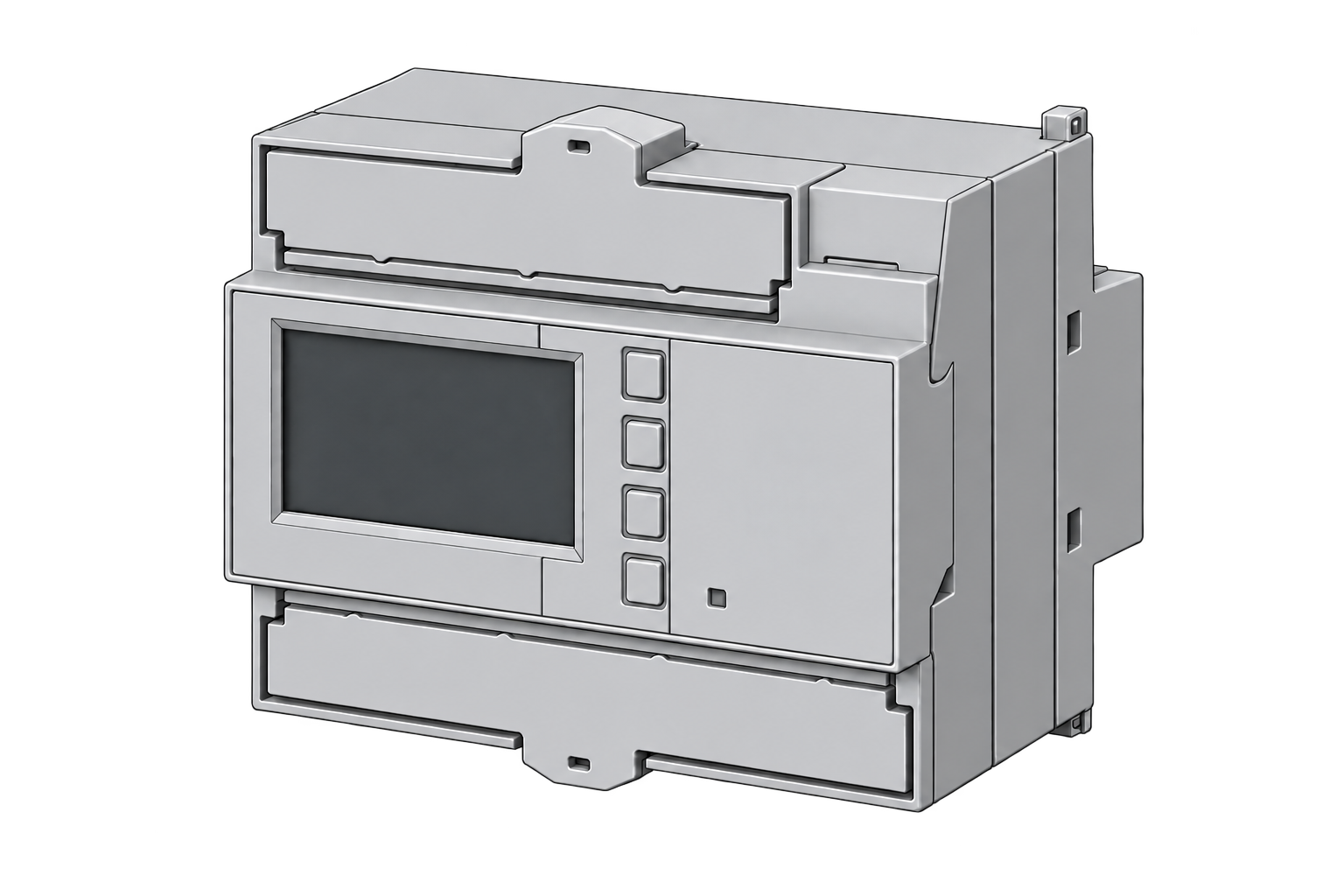
Wired M-Bus heat meters on district heating or a plant room
1 per meter one connected meter each
The point list every site shares
A portfolio view only works when the same name means the same thing everywhere. Agree this list before the first site is fitted.
From field measurement to Edge
Each field signal reaches its named EpiSensor interface, reports through the site Gateway and is handled locally in Edge.
- Wired
- Zigbee
- Edge
- Platforms
| Position | What it tells you | Reference | Sensor |
|---|---|---|---|
| Site incomer | Whole-site demand and energy, on the same interval at every site | One meter per supply, with the same demand interval everywhere | ZEM-65 (on this page) |
| Material subloads | Why one site differs from another: the loads worth explaining | Chosen from a question the site is trying to answer, rather than from the board layout | ZEM-65 (on this page), one per load |
| Existing meters | What the site already measures, without replacing a meter | Register map or pulse weight recorded per meter Modbus Interface datasheet (PDF, opens in a new tab) | ZMB-31 (on this page) |
| Other utilities | Water, gas and heat beside the electricity, on the same clock | Cumulative totals kept as totals, with the pulse weight written down Pulse Counter datasheet (PDF, opens in a new tab) | ZPC-20 (on this page) |
Name each point by what it measures. "Site incomer" survives a meter replacement. A serial number in a point name does not.
Agree the interval once. Comparing a 15-minute site with a 30-minute site needs a stated method, so pick one interval and one time zone at the start.
What each site's Gateway does on its own
The site keeps working whether or not anyone is looking at the portfolio that day.
- Acquisition keeps running without the WAN
- Reading, storing and local automation run on the Gateway. A site with a dropped connection keeps measuring and sends the gap when it returns.
- One point list, applied per site
- Each site maps its own meters into the shared names and units, so the portfolio compares like with like.
- A gap is not a zero
- A no-data rule reports a device that has stopped reporting, so a missing meter shows up as missing rather than as a quiet week.
- Onward to whatever reads it
- Edge exports over MQTT, HTTP and other supported transports, to Core or to your own systems. Nothing has to pass through EpiSensor.
Commissioning checks
Run these on the first site, then repeat the short version on every site after it.
-
The incomer reconciles
Compare a full billing period at the incomer with the supplier's own figure for the same period.
Pass when the two agree within the meter's accuracy, and any difference is explained.
-
Time is the same everywhere
Check the time zone, the daylight-saving handling and the interval boundaries on two sites at once.
Pass when an interval that starts at 09:00 on one site starts at 09:00 on the other.
-
A lost connection loses nothing
Disconnect the site's WAN for longer than one reporting interval, then reconnect it.
Pass when the readings for the disconnected period arrive afterwards, with their original timestamps.
-
A missing device is visible
Take one device off the network and leave it off for longer than the no-data rule's time.
Pass when the portfolio view shows a gap and an alarm, not a zero.
-
The point list is frozen
Write the point names, units and intervals into a document, and check the next site against it.
Pass when the second site needed no new names, or the list was changed deliberately and re-issued.
Limits of this measurement
A portfolio view compares sites. It does not make them comparable.
- Two buildings with different uses, sizes and occupancy are not equivalent because their meters now match. Normalise only with a stated method.
- A central dashboard is not evidence that every site's data was complete or correctly mapped.
- Savings attribution needs a baseline and a record of what changed, from outside the monitoring system.
- Tenant billing has its own requirements: see the submetering guide before an allocated number reaches an invoice.
Sources
- ISO 50001 energy management systems (opens in a new tab) (opens in a new tab) ISO
- Wireless 3-Phase Electricity Monitor datasheet (opens in a new tab) EpiSensor. Specifications, ranges and ordering codes.
Related
-
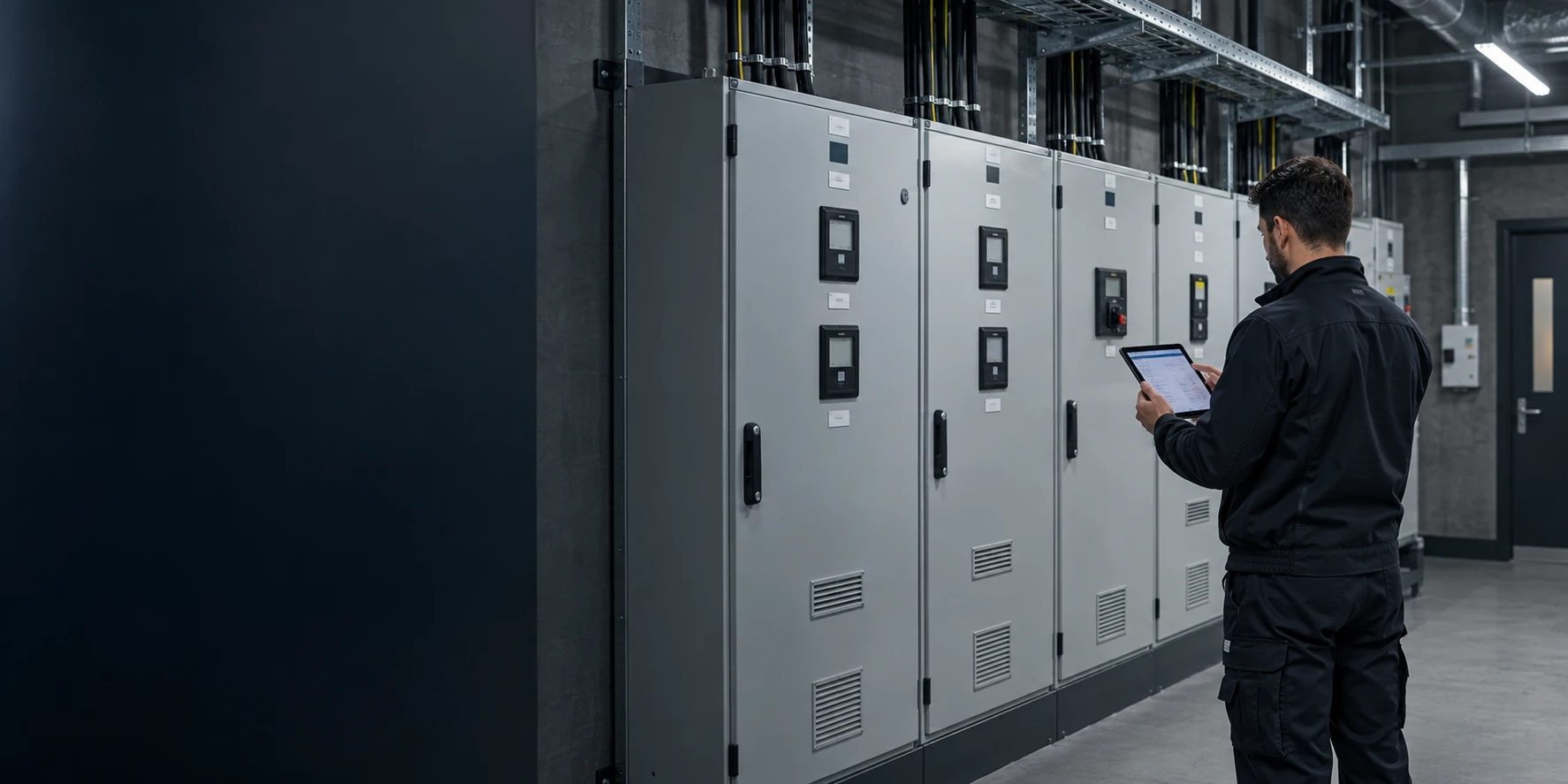
Tenant submetering and cost allocation
Meter each tenancy, the landlord supply and common services, and export a dated record that reconciles with the main meter. -
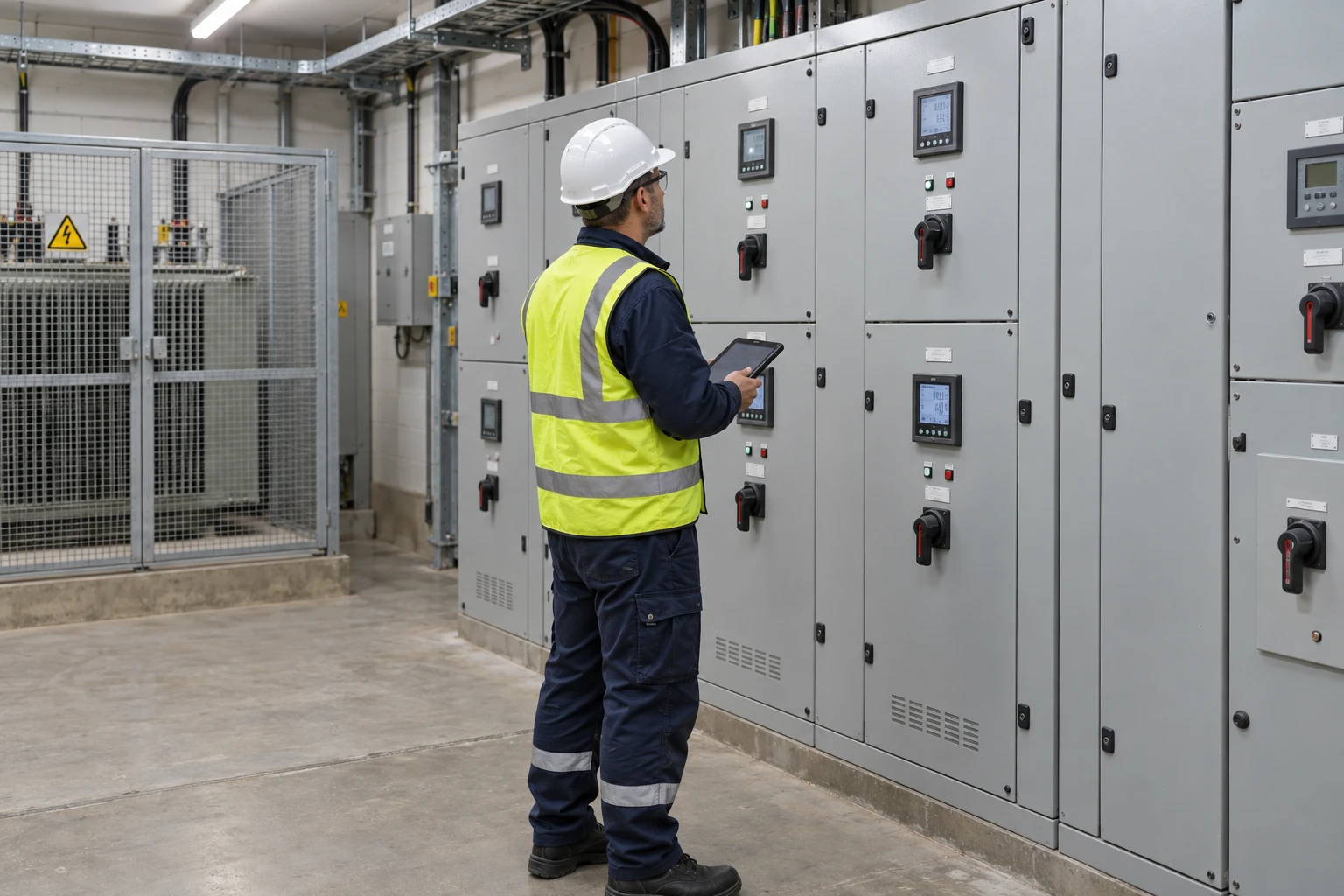
Transformer and distribution board monitoring
A meter at the incomer, meters on the feeders worth explaining, and a temperature probe where loading has to be read against heat.
Deployed at




Third-party devices for this application
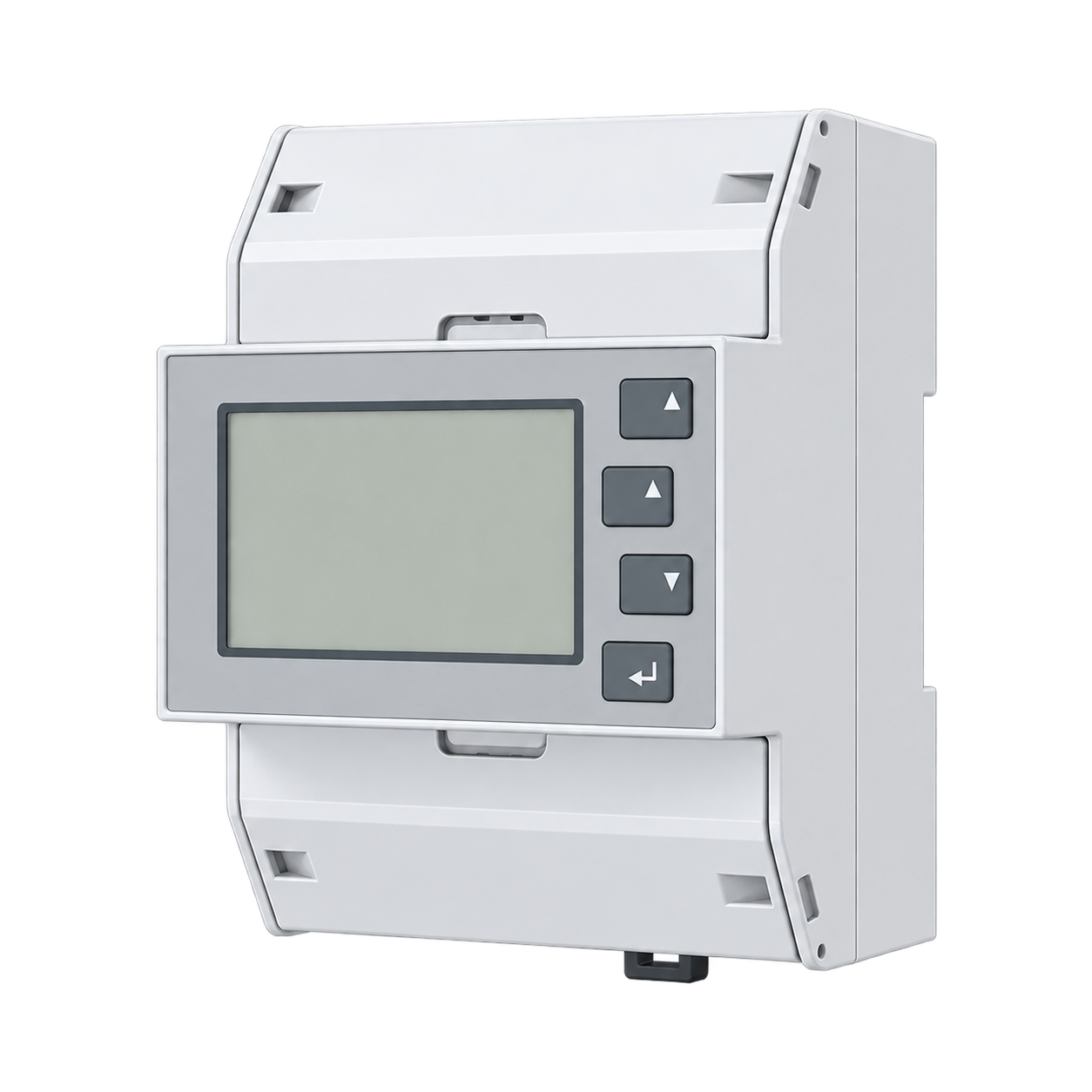
More in the Device Directory: Energy meters (30), Current transformers (7), Pulse counters and I/O (6)
Price one point list across every site you run
An engineer can propose the point list, count the hardware per site, and say which existing meters can be read as they are.